SecurView DX Workstation V12.0 Quality Control Manual
Chapter 4: Testing the Displays
MAN-09466 Revision 001 Page 19
Note
You may Print the results or Save as PDF for a local copy.
8. Log out of the QAWeb Enterprise or close the browser tab once finished.
Medical Physicist – To view the numerical results of the Hologic Compliance Test:
1. Using an internet browser, log in to https://qaweb.healthcare.barco.com
.
2. Navigate to the workstation details.
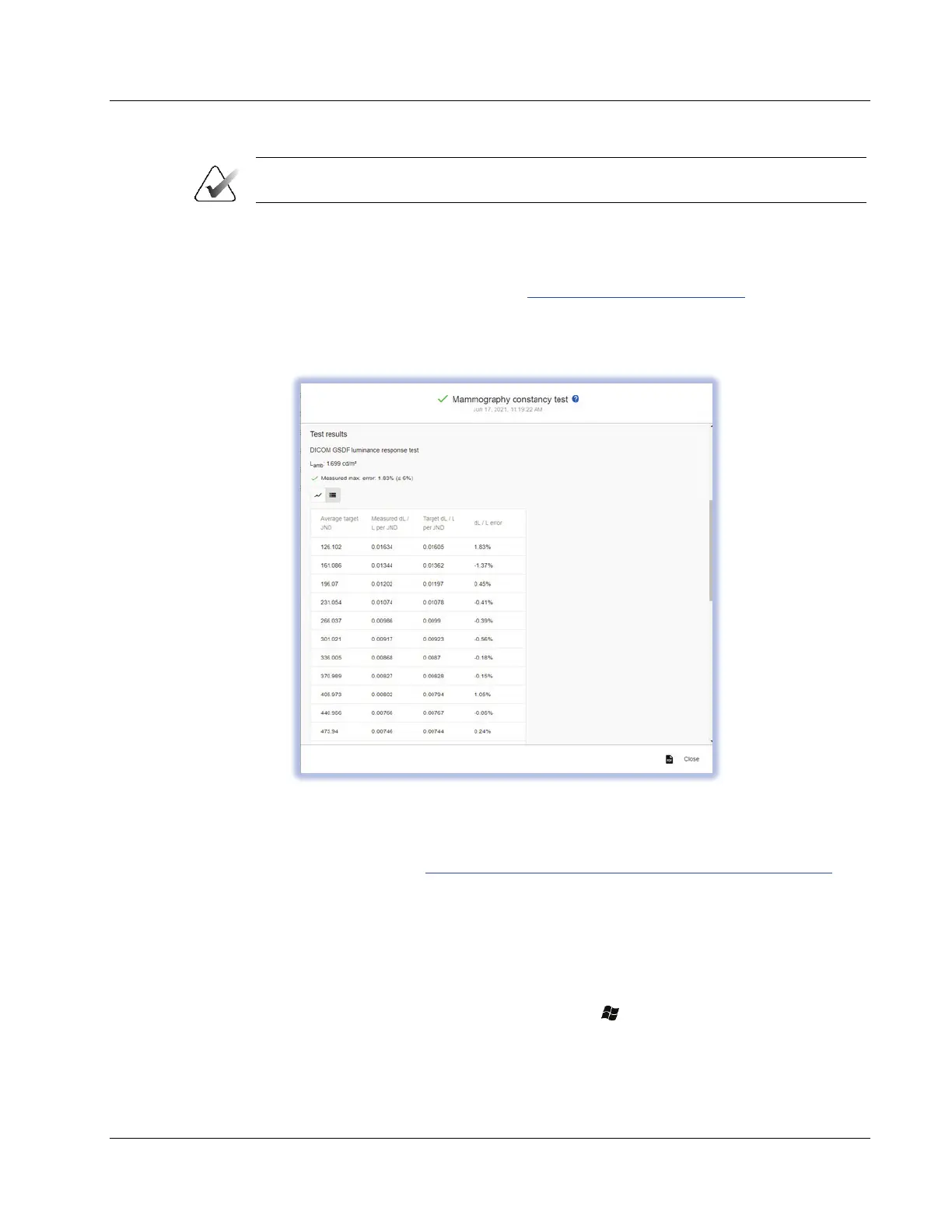
3. On the Tasks tab, select the Mammography constancy test.
Figure 6: Sample Mammography Constancy Test
4. Verify that the results meet the performance criteria.
5. Record the results in Appendix A SecurView Annual QC Form for Medical Physicists
on
page 41.
6. Log out of the QAWeb Enterprise or close the browser tab once finished.
4.5 Testing Barco Display Performance using MediCal QAWeb
1. Log out of the SecurView DX application.
2. To start MediCal QAWeb, press the Windows
key, then select Menu > Barco >
MediCal QAWeb Agent.












 To Next Page