SecurView DX Workstation V12.0 Quality Control Manual
Chapter 4: Testing the Displays
Page 18 MAN-09466 Revision 001
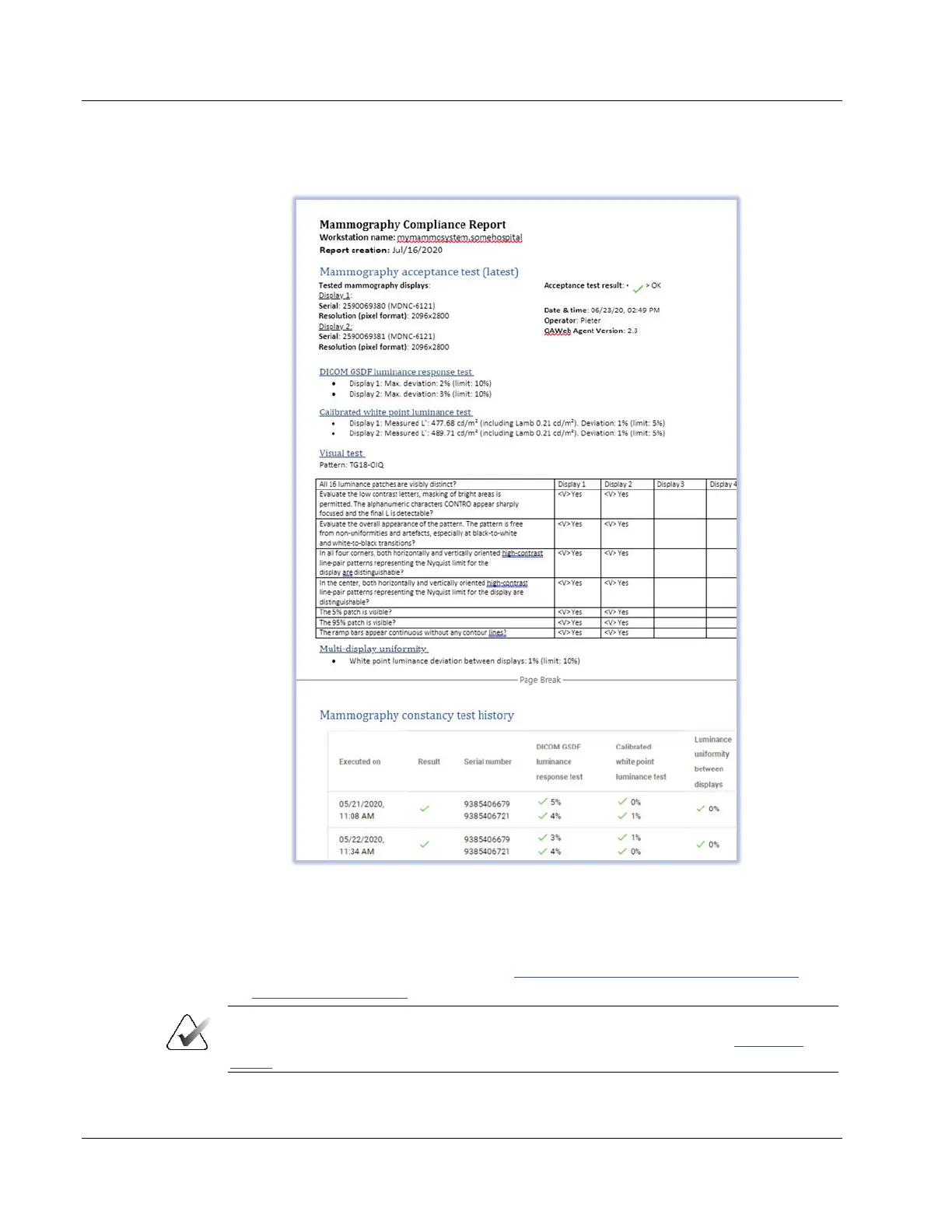
5. Open the Mammography Compliance Report.
Figure 5: Sample Mammography Compliance Report
6. Check that the latest Acceptance and Mammography constancy tests have a result of
“OK” or a green check mark. Check that details are present for these tests.
7. Record the value for Action Result in Appendix B
SecurView Weekly QC Form for
Radiologic Technologists on page 43.
Important
If the details of a test contain no results, follow the instructions in section Corrective
Action on page 7.












 To Next Page