EasyManua.ls Logo

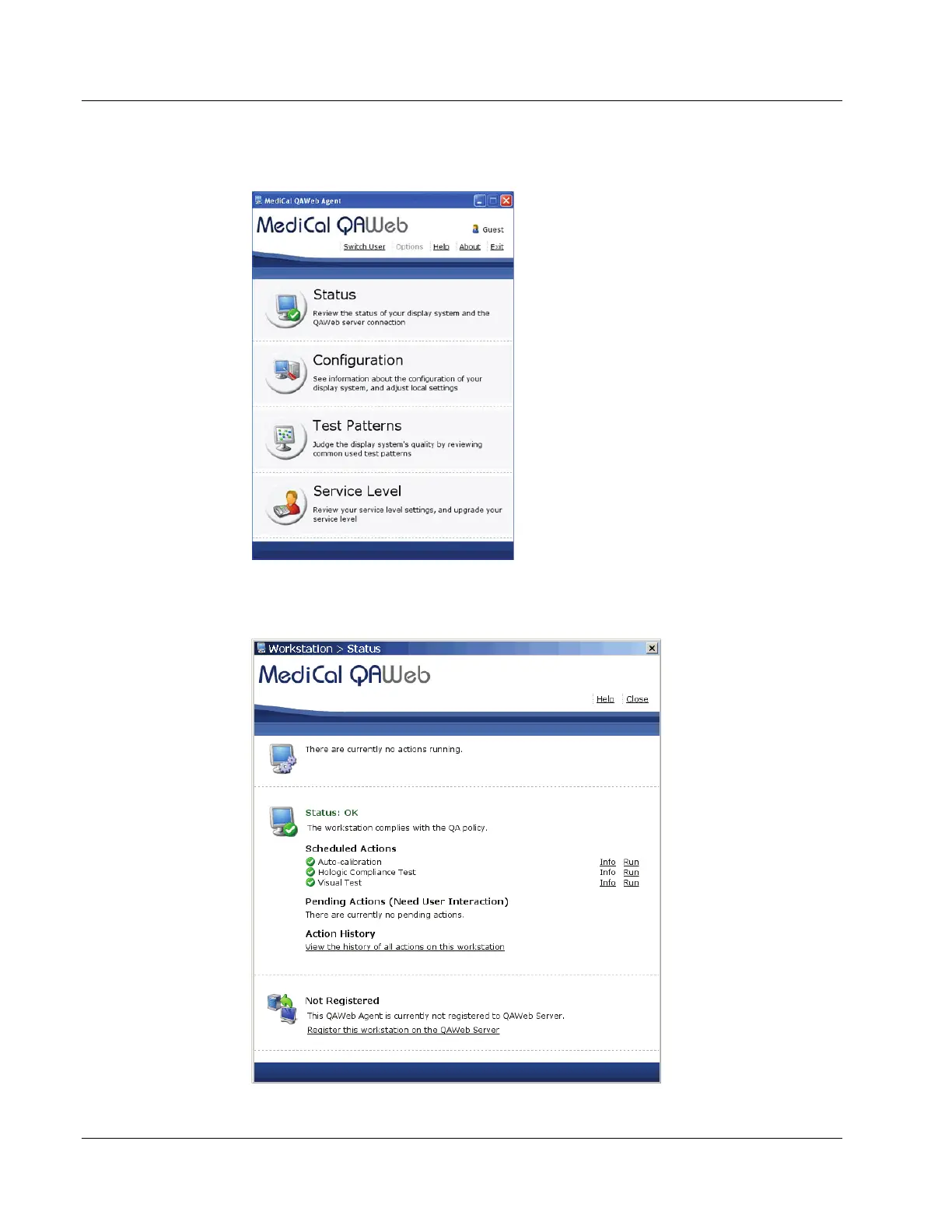
Hologic SecurView DX - Figure 7: Medical Qaweb Agent Window; Figure 8: Workstation > Status Window

Hologic SecurView DX
54 pages
Print Icon
To Next Page IconTo Next Page
To Previous Page IconTo Previous Page
Loading...
SecurView DX Workstation V12.0 Quality Control Manual
Chapter 4: Testing the Displays
Page 20 MAN-09466 Revision 001
3. The MediCal QAWeb Agent window opens. Select the Status icon.
Figure 7: MediCal QAWeb Agent Window
4. The Workstation > Status window opens:
Figure 8: Workstation > Status Window


Table of Contents

Other manuals for Hologic SecurView DX

Related product manuals