SecurView DX Workstation V12.0 Quality Control Manual
Chapter 5: Manually Calibrating Displays
MAN-09466 Revision 001 Page 33
4. Select Run task to start the Calibration process. Calibration will display in the upper
left-hand side of the window.
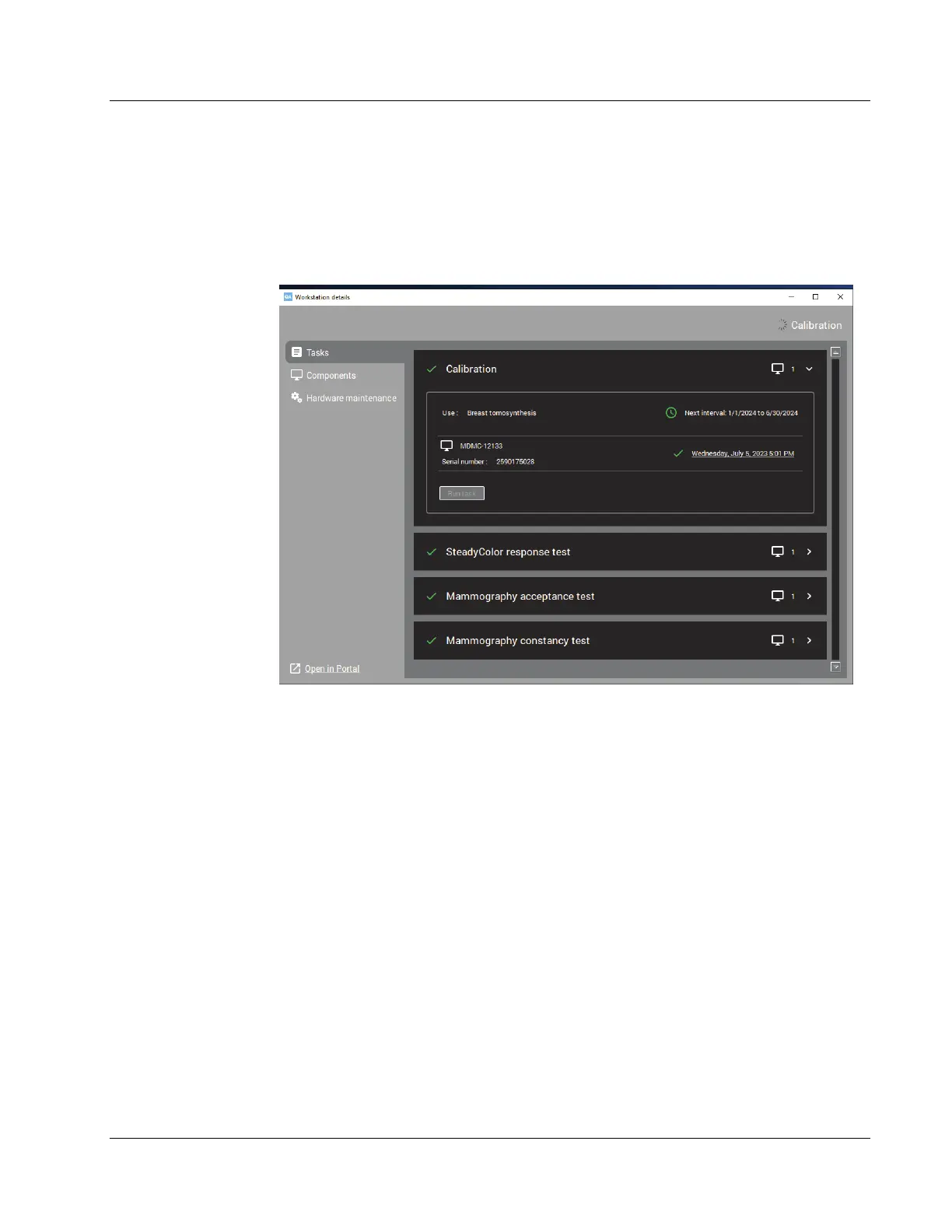
5. When the calibration procedure ends, the results display as shown in the following
example. The check mark next to each display icon indicates that the calibration ran
successfully.
Figure 20: Calibration Test Results












 To Next Page