SecurView DX Workstation V12.0 Quality Control Manual
Chapter 5: Manually Calibrating Displays
Page 34 MAN-09466 Revision 001
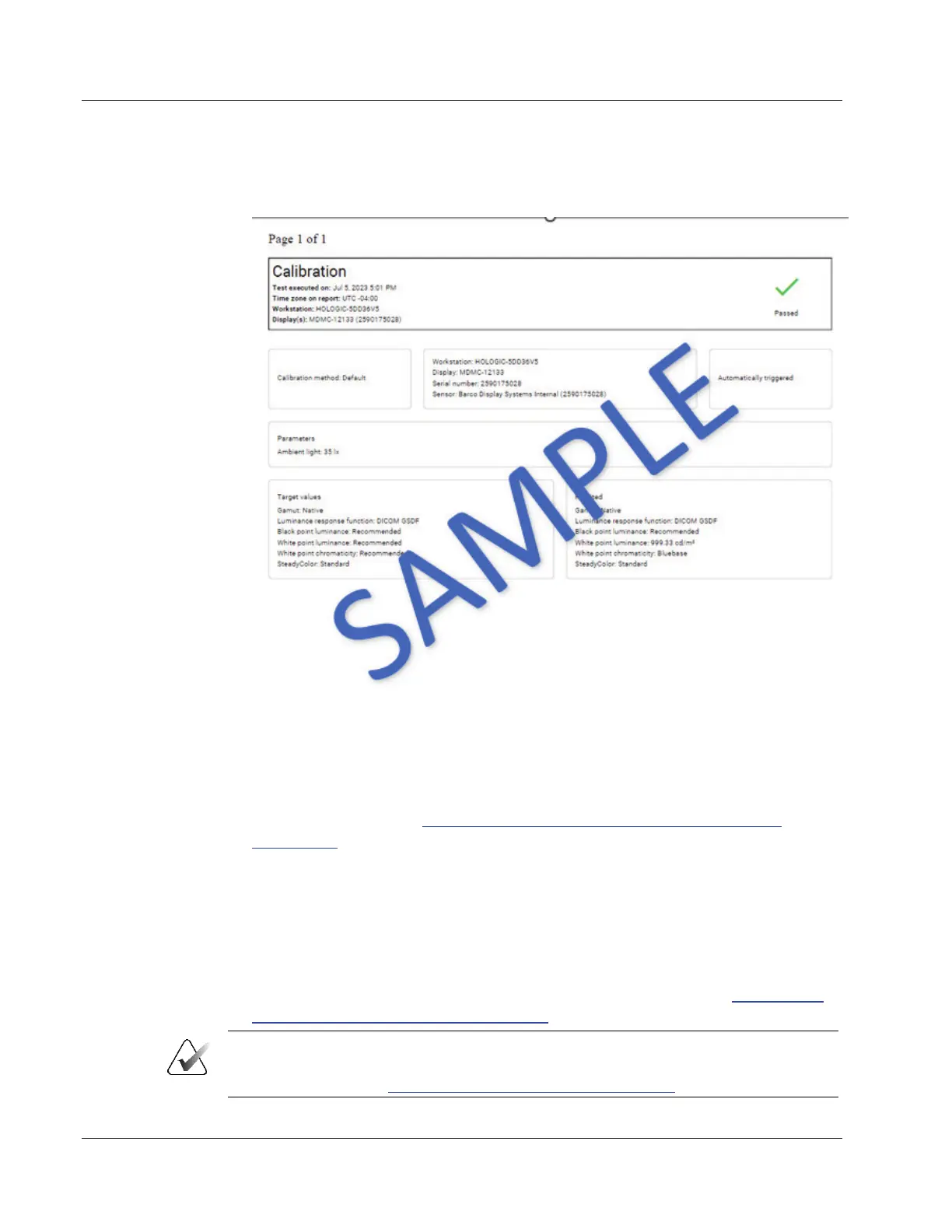
6. To view the calibration details, select the date and time next to the green check mark
to display the calibration report. See the following example.
Figure 21: Sample Calibration Report
7. For two-monitor systems, repeat for the second display.
8. Record the results in the
Appendix B: SecurView Weekly QC Form for Radiologic
Technologists on page 43.
9. Close all open QAWeb windows.
10. Restart the SecurView Application.
5.2 Manually Calibrating Displays using MediCal QAWeb
1. Log out of the SecurView DX application.
2. Set up the displays and start MediCal QAWeb as described in section
Testing Barco
Display Performance using QAWeb Enterprise on page 13.
Note
If you are calibrating external photometer sensor displays, attach the photometer sensor
as described in section Testing External Photometer Sensor Displays on page 14
.












 To Next Page