SecurView DX Workstation V12.0 Quality Control Manual
Chapter 5: Manually Calibrating Displays
Page 32 MAN-09466 Revision 001
5.1.3 Launch the Local QAWeb Application
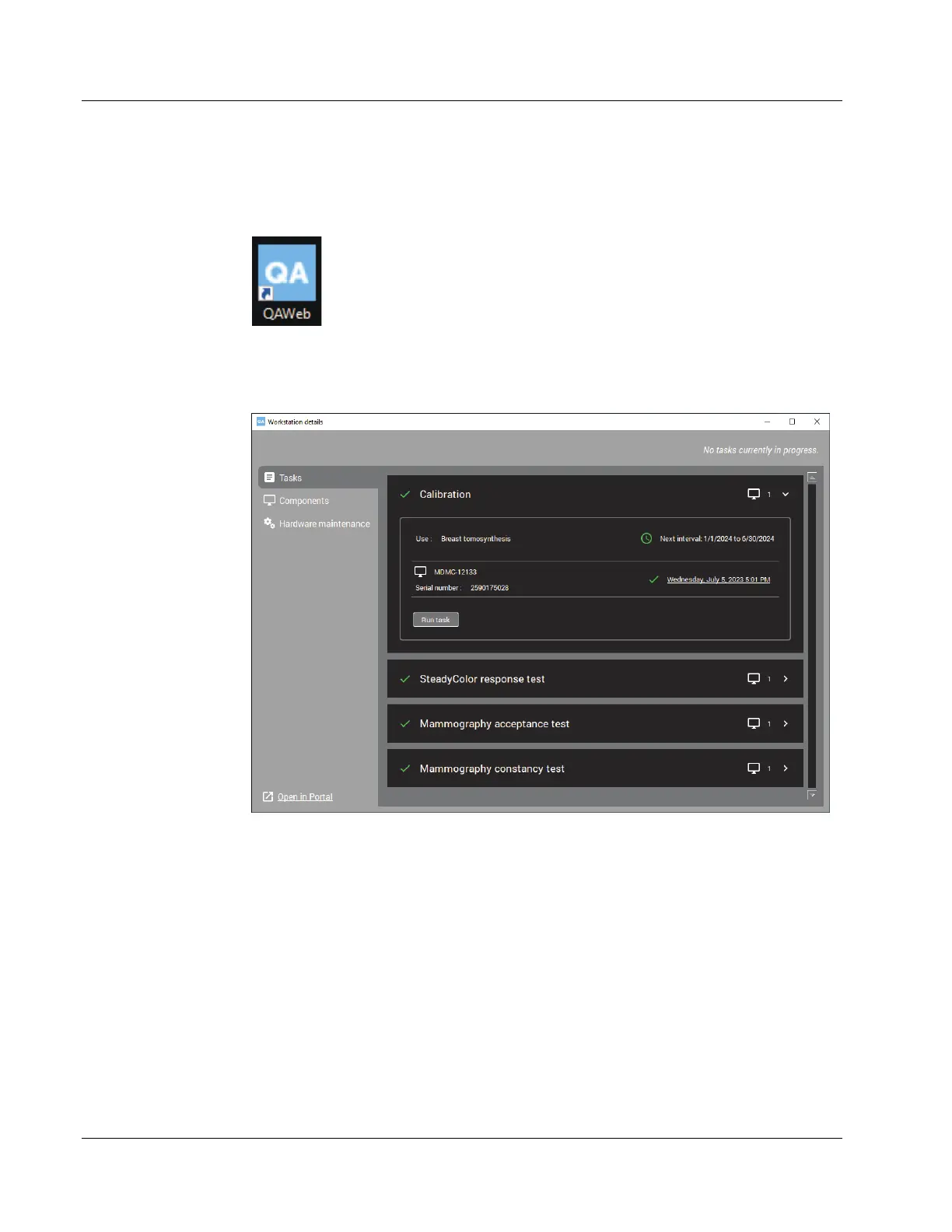
1. From the Windows desktop, double-click the QAWeb icon:
2. The QAWeb Workstation details window opens. Select Tasks on the left side menu.
3. Select the Calibration test, then select the down arrow to view the Calibration
details.
Figure 19: Workstation Details Window












 To Next Page