SecurView DX Workstation V12.0 Quality Control Manual
Chapter 4: Testing the Displays
MAN-09466 Revision 001 Page 25
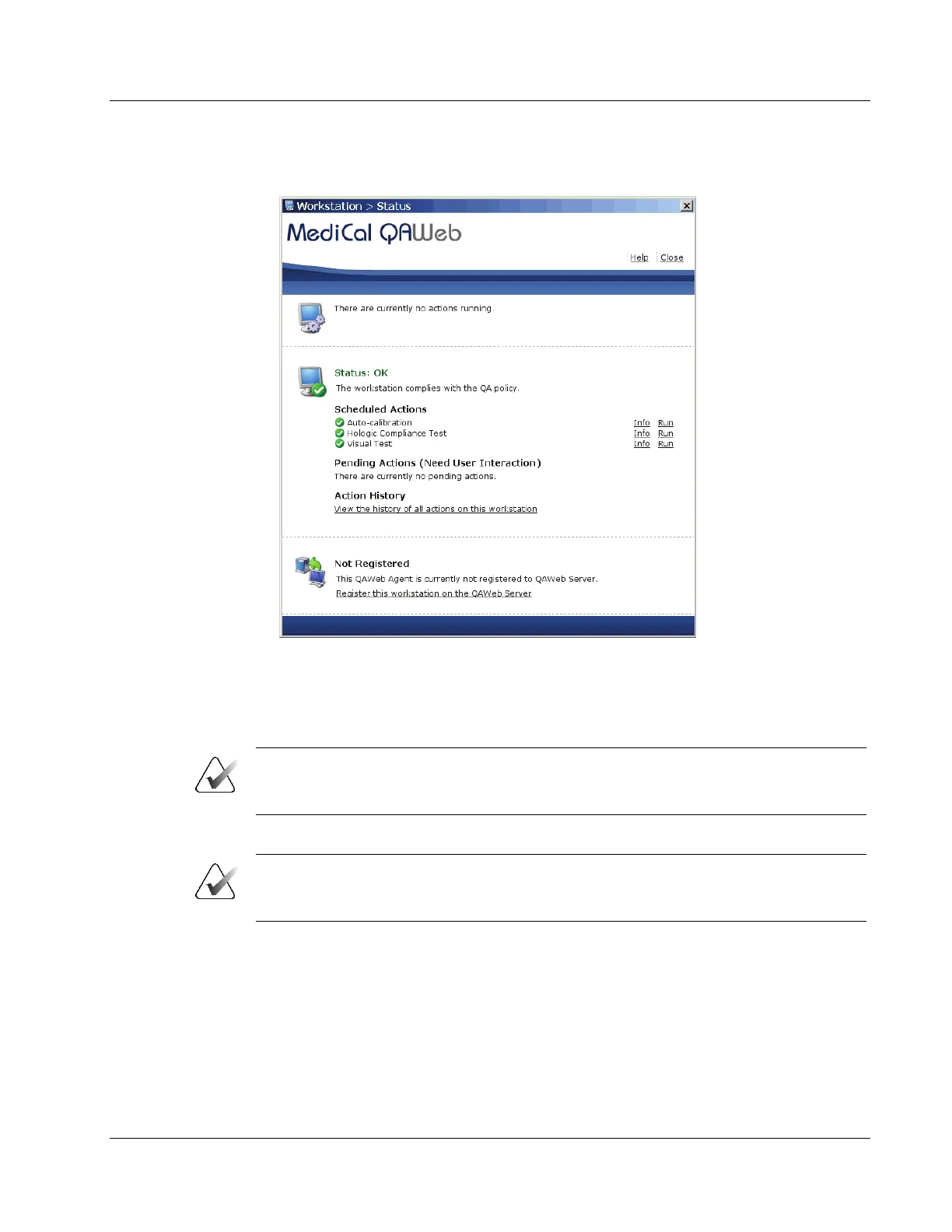
4. The Workstation > Status window opens:
Figure 14: Workstation > Status Window
The Workstation > Status window indicates whether the displays meet the recommended
performance criteria. At any time, you can select Run to run a test manually (Auto-
calibration, Hologic Compliance Test, or Visual Test).
Note
When you manually run the Auto-calibration Test, you may be prompted for a
password. By default, the password is advanced (case-sensitive).
5. Radiologic Technologist – To run the Hologic Compliance Test and view results:
Important
When testing the displays, ensure that the room lighting conditions are similar to those
used when reading studies.
a. Select Run next to ‘Hologic Compliance Test’. Follow the on-screen instructions.
b. After the test ends, verify that “Status: OK” displays.












 To Next Page