24
Store data from unit to card
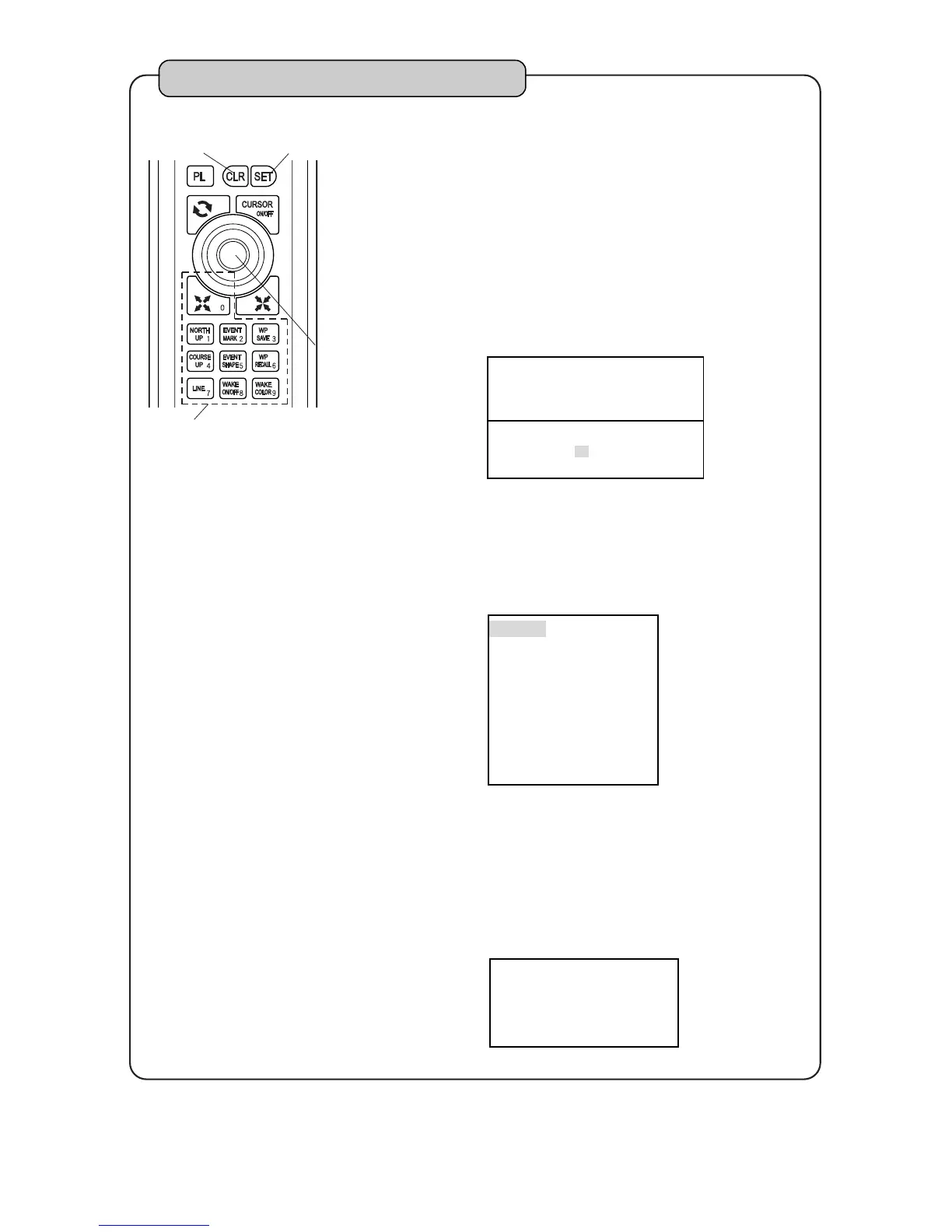
Select [8.OTHERS][2.MEMORY CARD]
[2.STORE FROM UNIT TO CARD] and press
right side of [CENTER] key.
Enter block number of card which you store by
[NUMBER] key and press [SET] key.
Red block number indicates some data is
stored in that block.
Select item which you store by [CENTER] key
up or down and press [SET] key.
Red letter item indicates that item’s data is
stored in card.
If data is not stored in card, copy is completed.
When data is stored in card, Select rewrite or
cancel copy by [SET] key or [CLR] key.
When rewriting is executed, previous data is
deleted.
1
2
3
4
<STOREFROMUNITTOCARD>
BLOCKNUMBEROFSTOREDCARD
=
RED:USE WHITE:UNUSED
0 1 2 3 4 5 6 7 8 9



 To Next Page