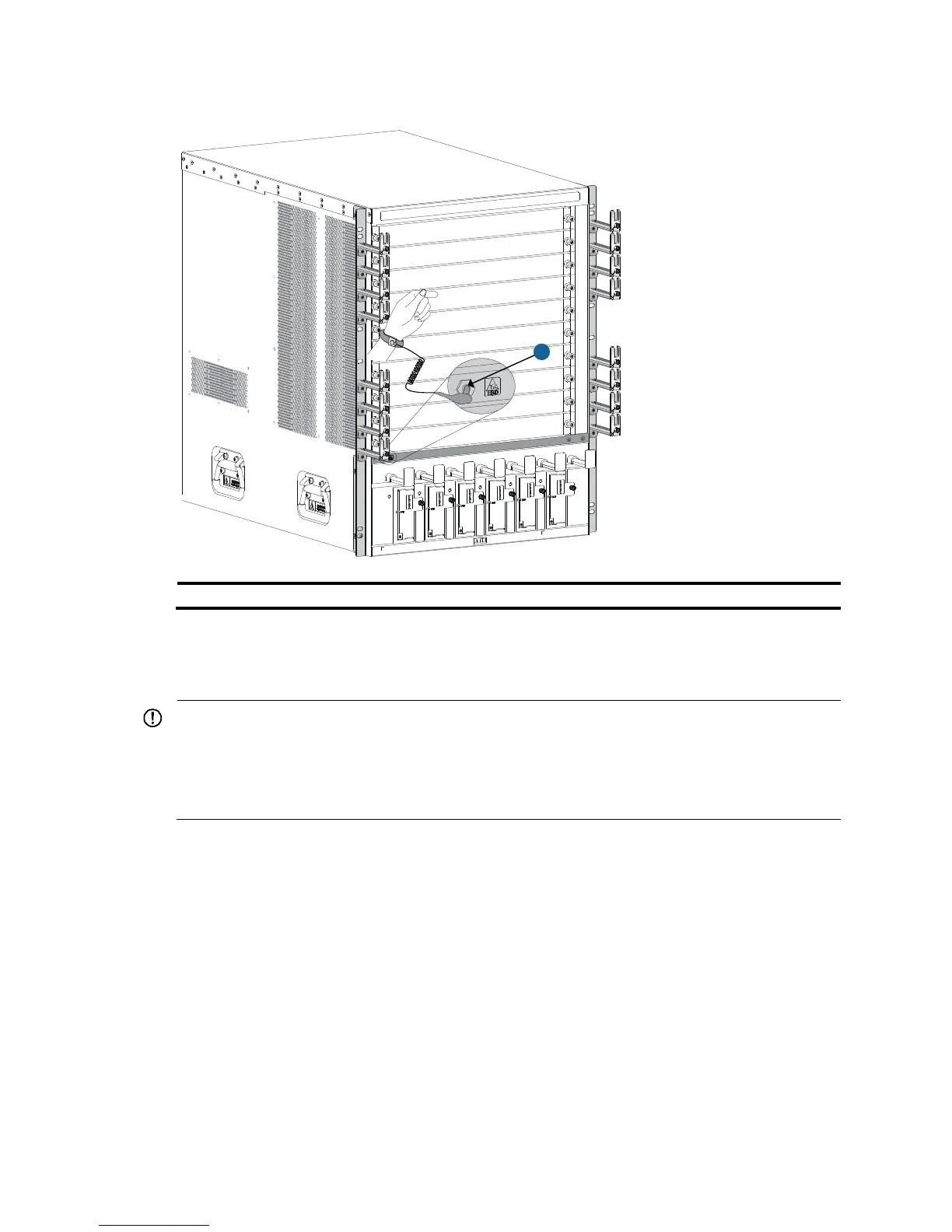
Installing MPUs/LPUs/switching fabric modules
IMPORTANT:
• Before installing a card to the chassis, make sure the connectors on the card are not broken or blocked
to avoid damaging the backplane.
• To ensure good ventilation, install a blank filler panel over an empty MPU, LPU, or switching fabric
module slot. MPU slots use the same type of blank filler panels as LPU slots.
The installation procedures for MPUs, LPUs, and switching fabric modules are the same. Unless otherwise
stated, MPUs, LPUs, and switching fabric modules are collectively referred to as "cards" in this document.
These cards are either horizontally oriented or vertically oriented. When installing a card in a horizontal
slot, make sure its PCB faces up. When installing a card in a vertical slot, make sure its PCB faces left.
This section uses a horizontally oriented card as an example.
To install a horizontally oriented card:
1. Wear an ESD wrist strap, and make sure it makes good skin contact and is reliably grounded. For
more information, see "Attaching an ESD wrist strap."
2. As sh
own by callout 1 in Figure 19, remov
e the blank filler panel from the slot. Keep the blank filler
panel for future use.
Some card slots do not have a blank filler panel. The figures in this section are for illustration only.
1



 To Next Page