35
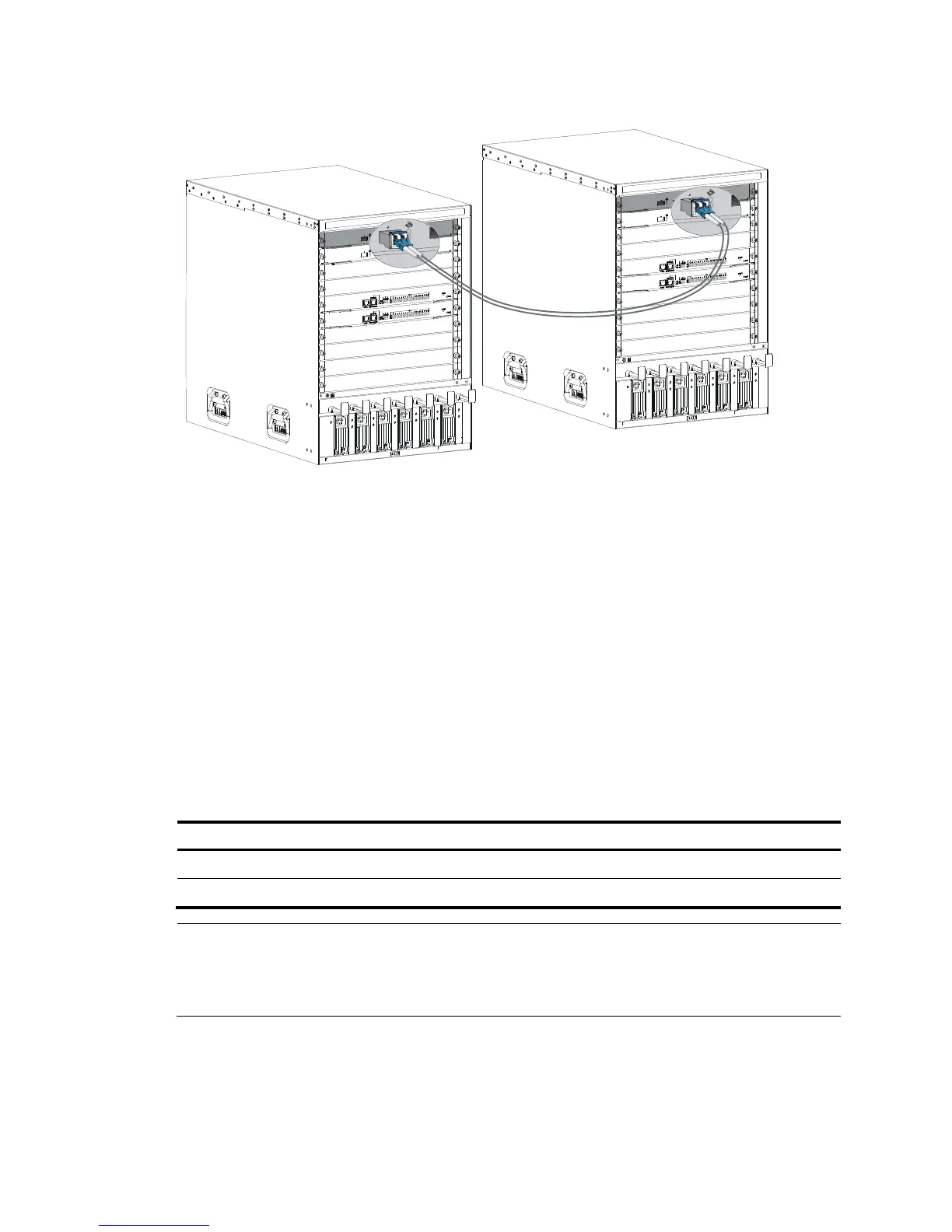
Figure 29 Connecting two IRF member switches
Verifying the IRF fabric configuration
After you finish configuring basic IRF settings and connecting IRF ports, verify the basic functionality of
the IRF fabric, as follows:
1. Log in to the IRF fabric through the console port of any member switch.
2. Create a Layer 3 interface, assign it an IP address, and make sure the IRF fabric and the remote
network management station can reach each other.
3. Use Telnet or SNMP to access the IRF fabric from the network management station. (See HP 10500
Switch Series Fundamentals Configuration Guide.)
4. Verify that you can manage all member switches as if they were one node.
5. Display the running status of the IRF fabric by using the commands in Table 8.
Table 8 Displaying and maintaining IRF configuration and runni
ng status
Task Command
Display information about the IRF fabric. display irf
Display topology information about the IRF fabric. display irf topology
NOTE:
To avoid IP address collision and network problems, configure a minimum of one MAD mechanism to
detect the presence of multiple identical IRF fabrics and handle collisions. For more information about
MAD, see
HP 10500 Switch Series IRF Configuration Guide.



 To Next Page