e nuts
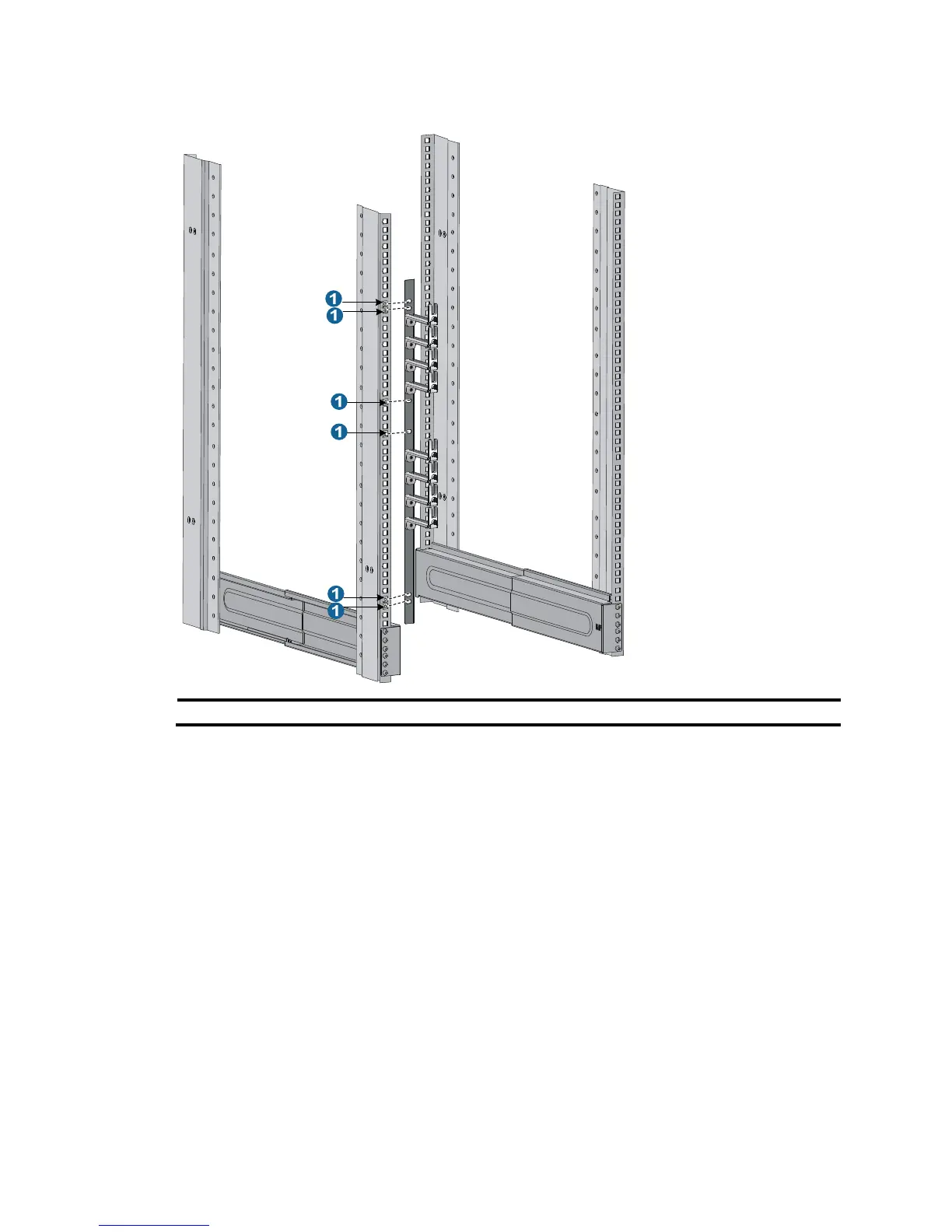
Installing mounting brackets and cable management brackets
Before installing the switch to the rack, install the cable management brackets and mounting brackets
shipped with the switch. Cable management brackets are used for securing and organizing signal
cables and power cords on the switch, and mounting brackets are used for attaching the chassis to the
rack.
Installing cable management brackets
You must install the signal cable management brackets separately for the 10508-V switch. All other
10500 switches come with the signal cable management brackets secured to the mounting brackets. In
this step, you only need to install the power cord management brackets for them.
• The 10508-V has two cable management brackets: the signal cable management brackets are
installed at the upper part of the switch, and the power cord management brackets are installed at
the lower part of the switch. They are installed in the same way. For more information, see Figure 9.
• T
he power cord management bracket installation procedure for the 10508 and 10512 is the same
as 10508-V.



 To Next Page