27
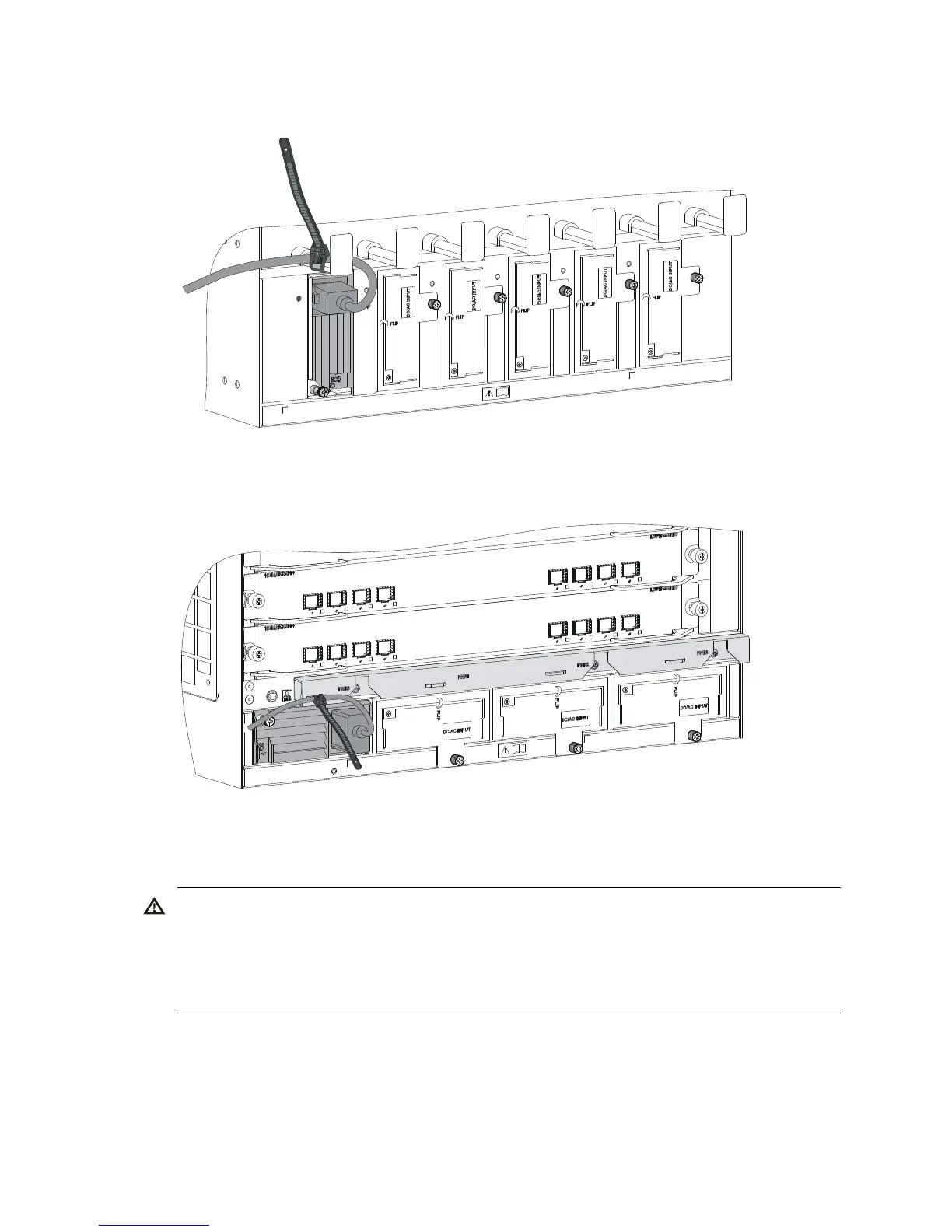
Figure 23 Securing the power cord (vertical slot)
Figure 24 Securing the power cord (horizontal slot)
Connecting a DC power cord
RNING!
• Make sure each power cord has a separate circuit breaker.
• Before you connect the power cord, make sure the circuit breaker on the power cord is switched off.
• Make sure the circuit breaker at the power input end is off when you connect the DC power cord to the
terminals on the power source.
To connect a DC power cord:
1. Connect the power cord to the power receptacle of the power supply.
2. Fasten the screw to secure the power cord.



 To Next Page