87
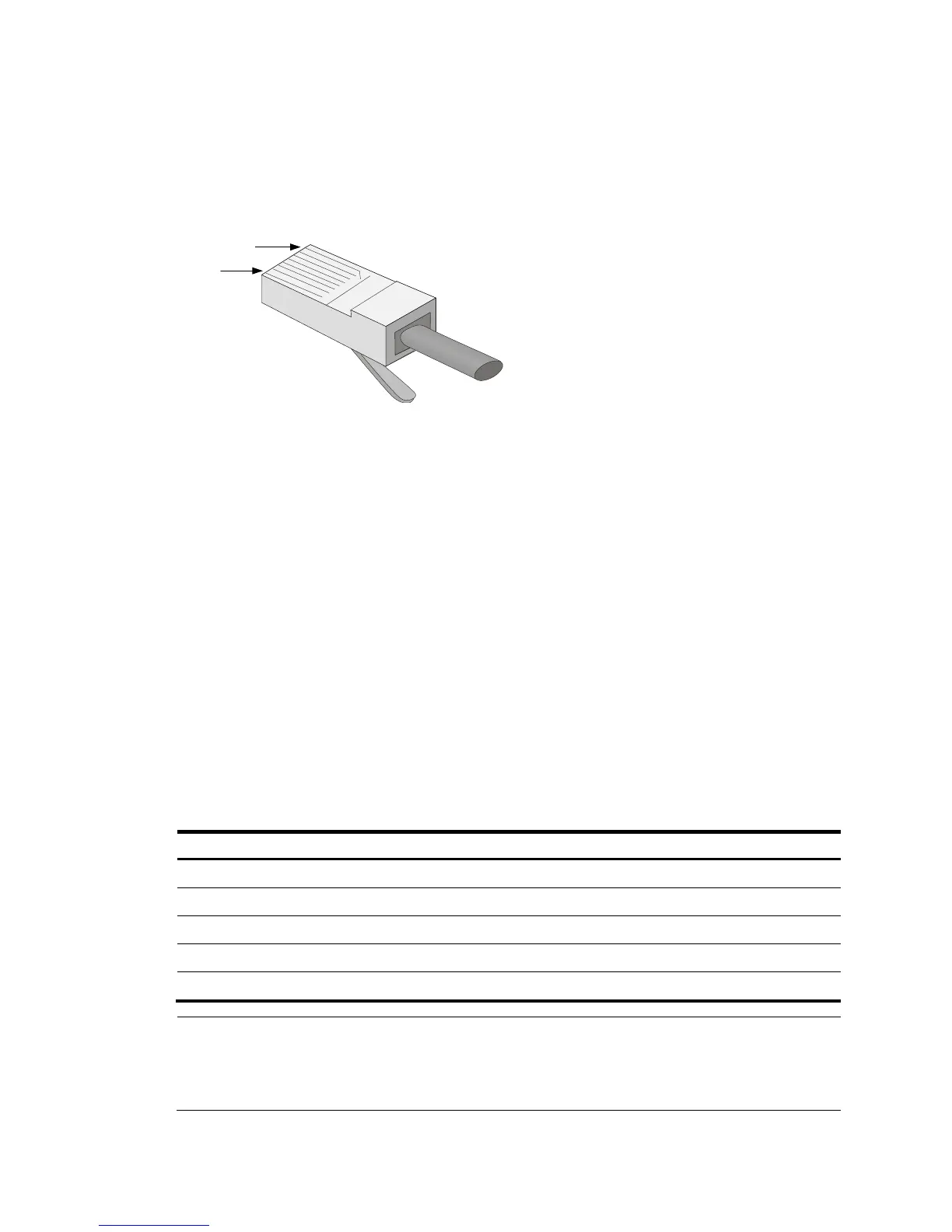
RJ-45 connector
An Ethernet twisted pair cable connects network devices through the RJ-45 connectors at the two
ends. Figure 46 sh
ows the pinouts of an RJ-45 connector.
Figure 46 RJ-45 connector pinout diagram
Cable pinouts
EIA/TIA cabling specifications define two standards: 568A and 568B for cable pinouts.
• Standard 568A—Pin 1: white/green stripe, pin 2: green solid, pin 3: white/orange stripe, pin 4:
blue solid, pin 5: white/blue stripe, pin 6: orange solid, pin 7: white/brown stripe, pin 8: brown
solid.
• Standard 568B—Pin 1: white/orange stripe, pin 2: orange solid, pin 3: white/green stripe, pin 4:
blue solid, pin 5: white/blue stripe, pin 6: green solid, pin 7: white/brown stripe, pin 8: brown
solid.
Cable type
Based on performance
Ethernet cables can be classified into category 3, category 4, category 5, category 5e, category 6,
category 6A, and category 7 cables based on performance.
Table 54 Ethernet cable description
T
Category 6 Transmits data at a speed higher than 1 Gbps, with a bandwidth of 250 MHz.
Category 6A Transmits data at a speed higher than 10 Gbps, with a bandwidth of 500 MHz.
Category 7 Transmits data at a speed higher than 10 Gbps, with a bandwidth of 600 MHz.
NOTE:
The 10 Gbps RJ-45 Ethernet ports use category 6A or category 7 Ethernet twisted pair cables for
connection. Other RJ-45 Ethernet ports use category 5 or higher Ethernet twisted pair cables for
connection.
PIN #8
PIN #1



 To Next Page