12
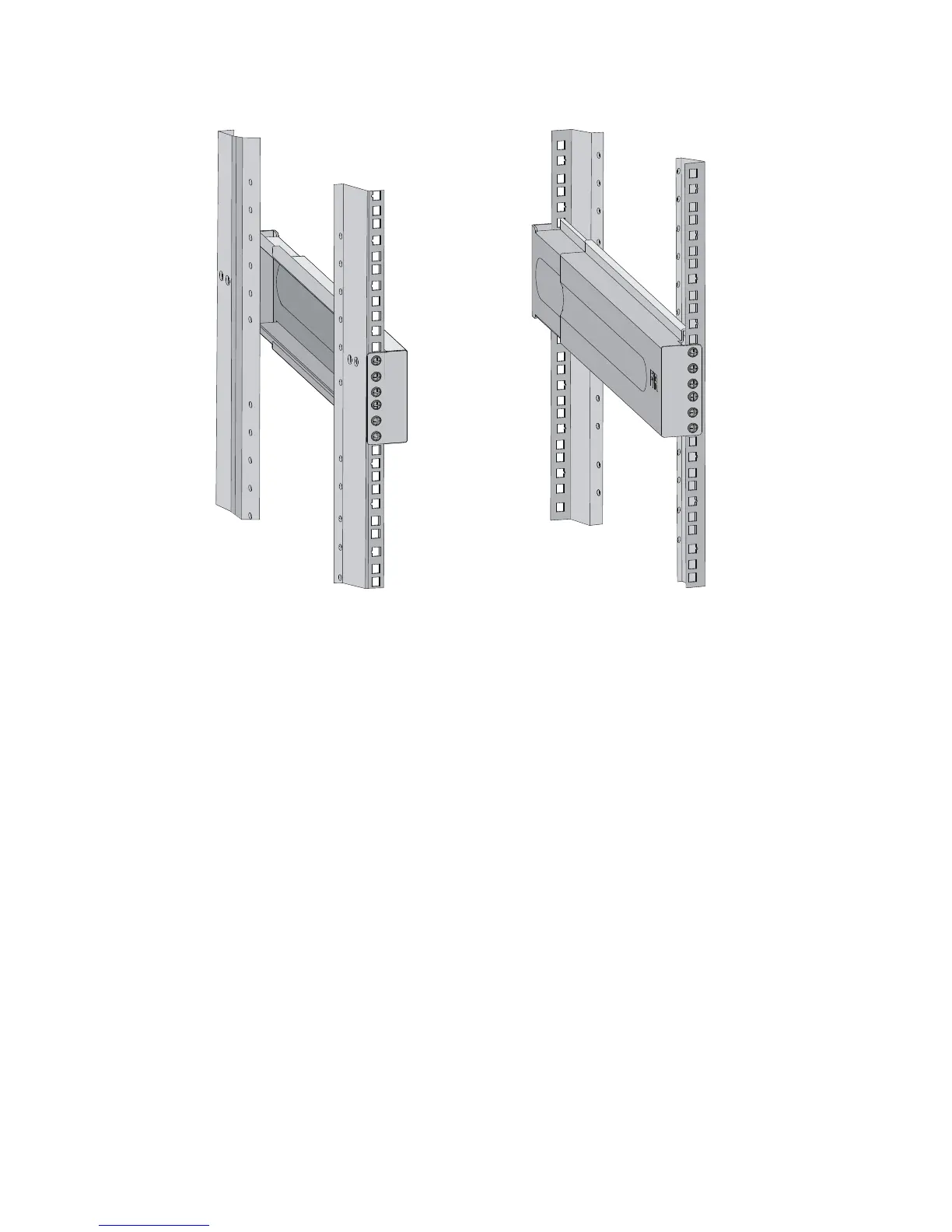
Figure 7 Installed slide rails
Installing cage nuts
To install cage nuts to the front square-holed brackets of the rack:
1. Determine the placement of the cage nuts, depending on holes in the mounting brackets and the
mounting position of the slide rails, as shown in Figure 8.
2. Install c
age nuts on the square holes on each rack post, as shown in Figure 5.



 To Next Page