11
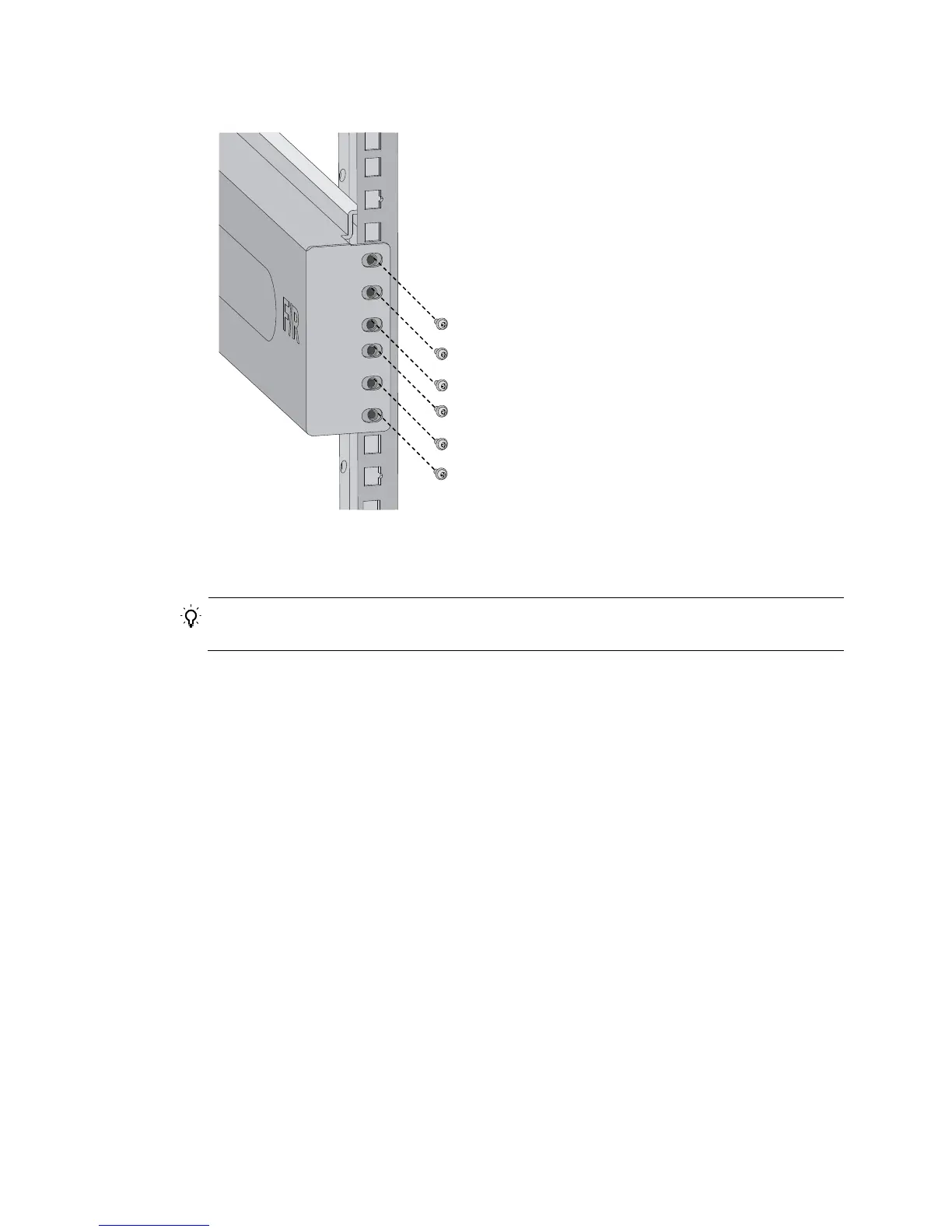
Figure 6 Attaching the slide rail to the cage nuts with screws
5. Keep the slide rail horizontally and adjust its length until the installation holes on the rear end of the
slide rail touch the cage nuts on the rear rack post. Then screw in screws and fasten.
TIP:
Install a screw in each mounting hole of the slide rail to ensure its weight bearing capacity.
6. Repeat steps 4 and 5 to install the other slide rail. Make sure the two slide rails are at the same
height so the device can be placed on them horizontally.



 To Next Page