14
• The power cord management brackets of the 10504 have a slightly different structure, and installed
in a similar procedure. For more information, see Figure 10.
T
o install a cable management bracket:
1. Unpack the cable management brackets.
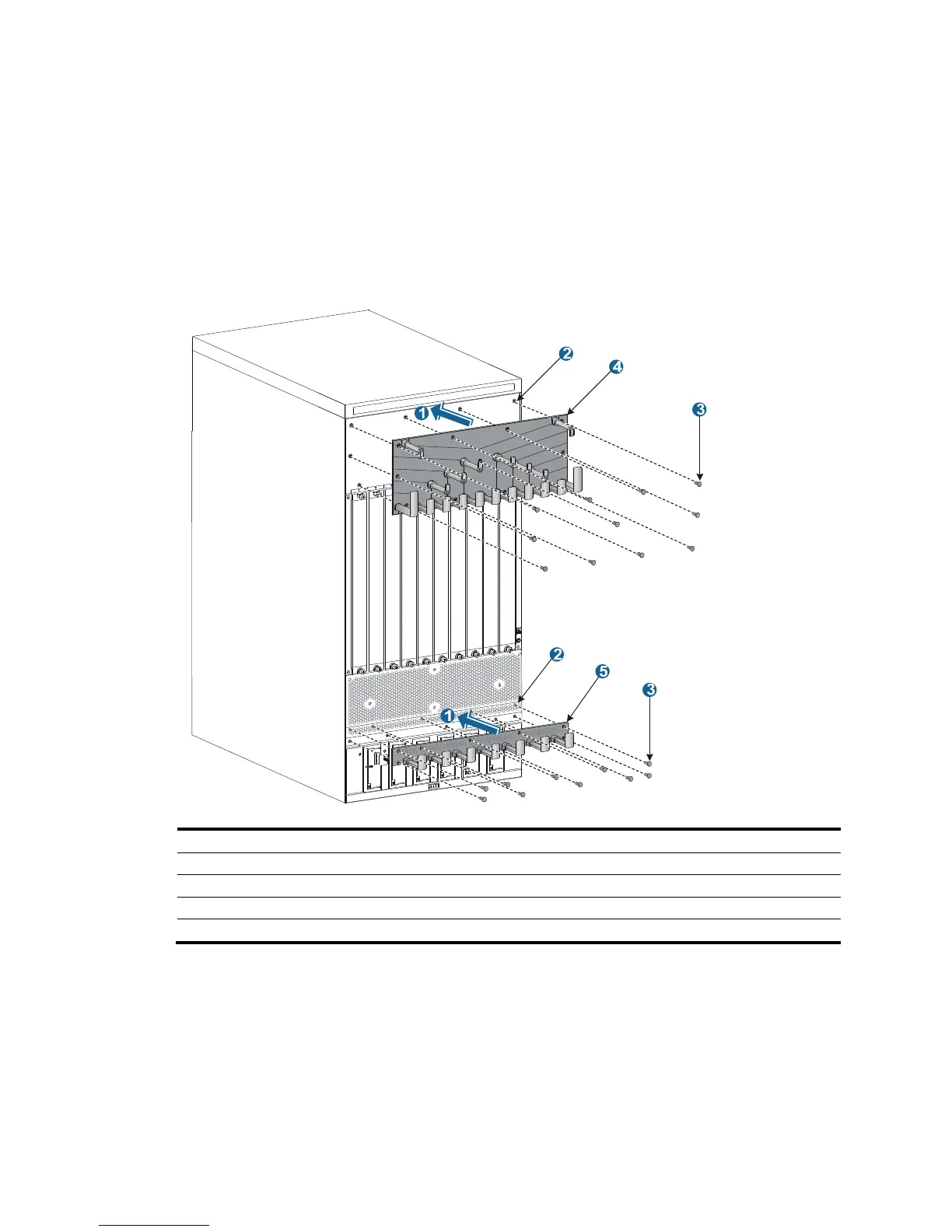
2. Attach the cable management bracket to the chassis, and align the screws with the mounting holes
on the chassis, as shown in Figure 9.
3. Fasten the s
crews.
Figure 9 Attaching cable management brackets to a 10508-V
(1) Attach the cable management bracket to the chassis.
(2) Mountin



 To Next Page