HP 81110/04A Quick Start Getting Started 73
Getting Started
Examples
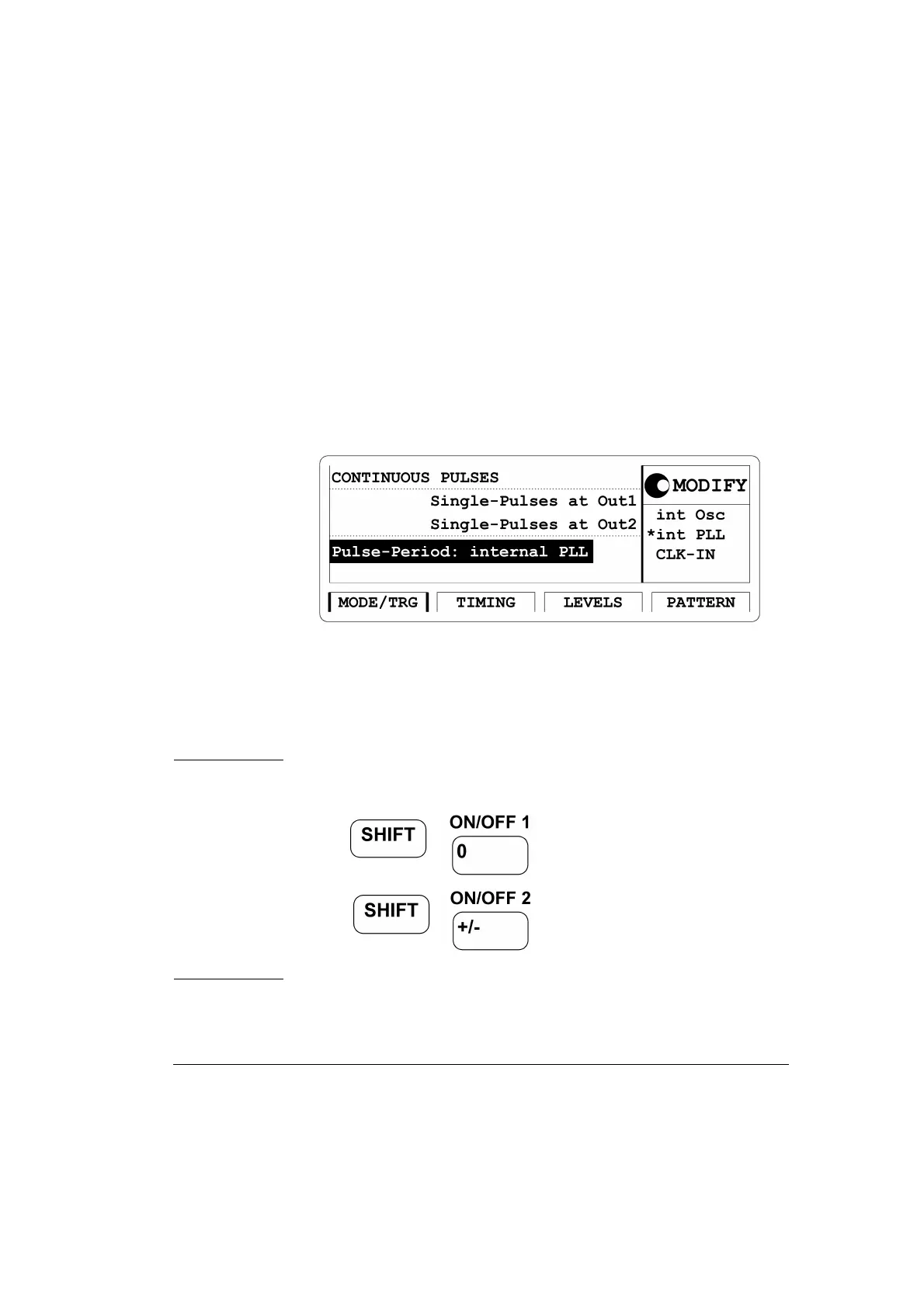
2 Press the |MODE/TRG| softkey to enter the Operating/Trigger Mode
menu. Use the cursor keys to move the Entry Focus to the Trigger
mode
CONTINUOUS. Move the Entry Focus to the right and select
PULSES. Move the Entry Focus down to select Single-Pulses at Out1
and then
Pulse-Period: internal PLL.
Figure 26 Current MODE/TRG Screen
3 Press the |TIMING| softkey to enter the Timing menu.
• Move the Entry Focus to the Output 1 status with the cursor keys.
Select
ON in the Modify area to turn on the Output 1.
NOTE: The Output channel can be turned on and off in either the
|LEVELS| or |TIMING| screens or by the following: pressing
for Output 1 and
for Output 2. Repeated pressing of
the keys toggles the output state from on to off and vise versa.
• Move the Entry Focus to
Per and select Freq.



 To Next Page