88 Getting Started HP 81110/04A Quick Start
Getting Started
Examples
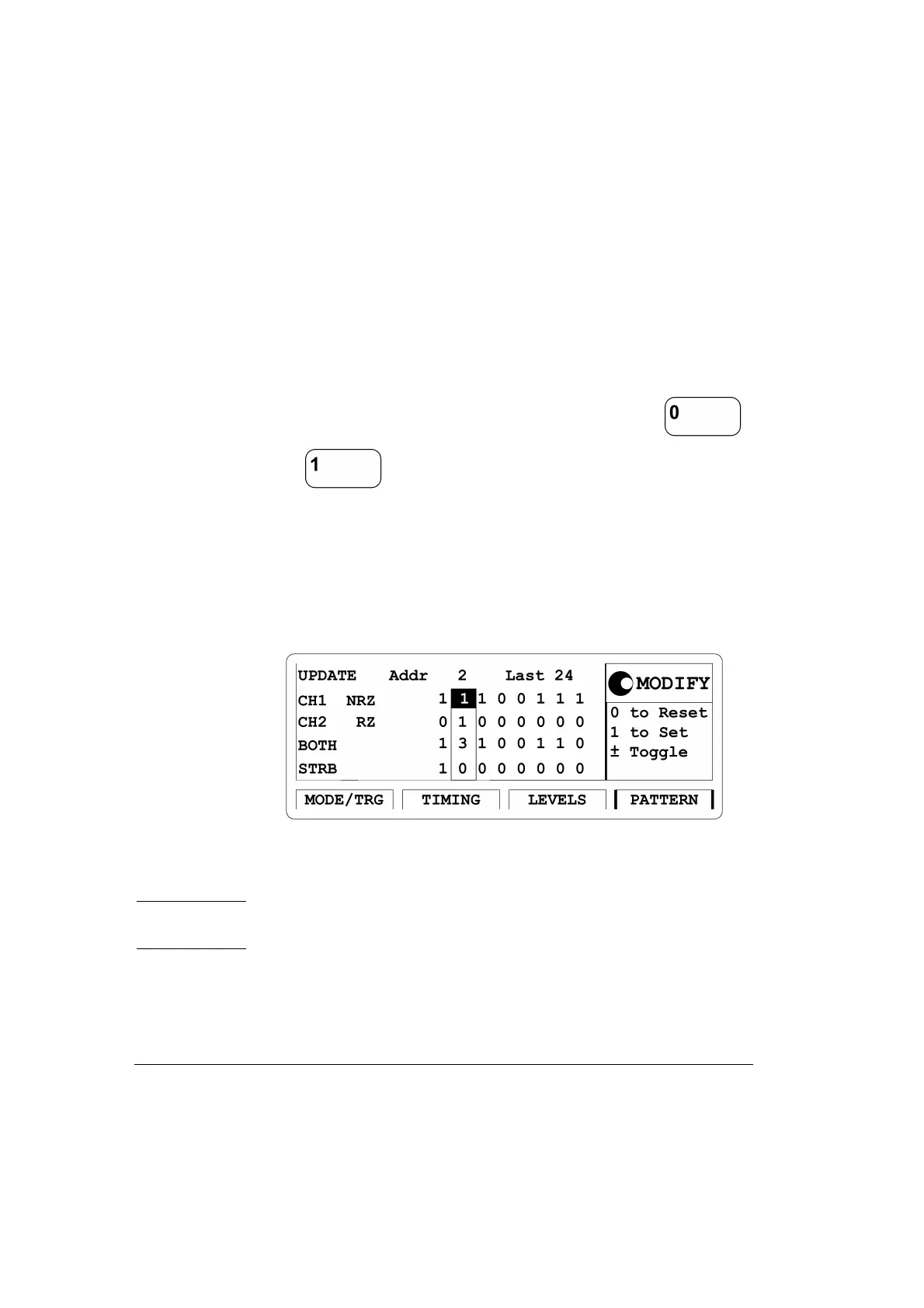
5 Press the |PATTERN| softkey to enter the Pattern menu.
• Move the Entry Field to
Last and input a value of 24.
• Move the Entry Field to the bit-editing window for CH1 and enter the
pattern ‘111001110011001001010010’ by pressing the
or key, respecively. When entering the pattern the bit-
editing window moves automatically one location to the right. By
turning the knob counterclockwise you can move the bit-editing win-
dow back. The actual memory location on which the the bit-editing
window is pointing is shown by Addr.
Figure 40 Current PATTERN Screen
NOTE: To get a stable display of the pattern stream on an oscilloscope set
1 bit of the Strobe (STRB) and trigger the scope.



 To Next Page