98 Getting Started HP 81110/04A Quick Start
Getting Started
Examples
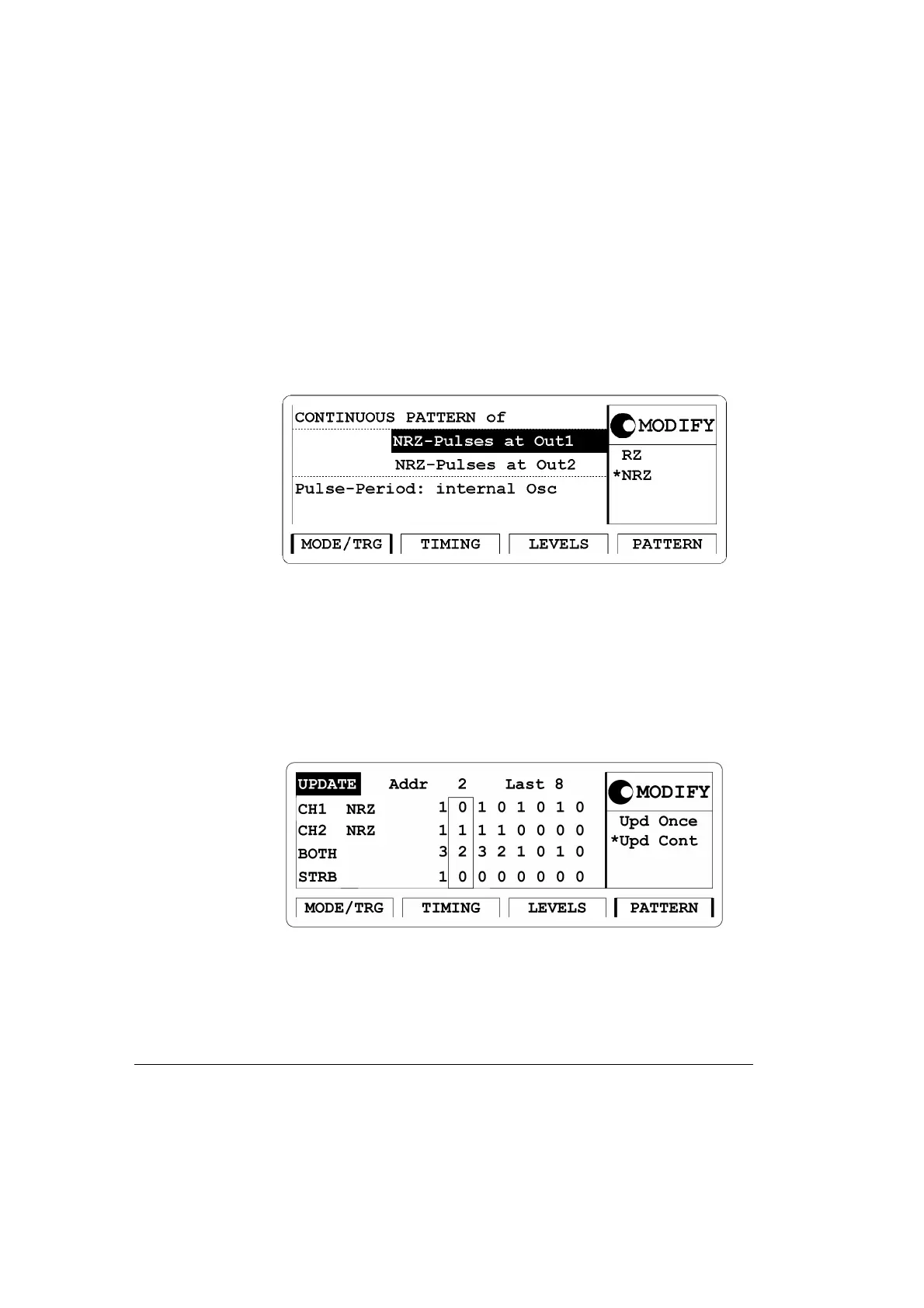
2 Press |MODE/TRG| softkey to enter Operating/Trigger mode menu.
Select
Pattern of with NRZ-PULSES at OUT 1 & OUT 2.
Figure 48 Current MODE/TRG Screen
3 Press the |PATTERN| softkey to enter the Pattern menu. Enter 8 for
Last. Move to CH1 and select Clock÷N, press ENTER key twice to
get a pattern for clock division by 2. Move to CH2 and select
Clock÷N, press ENTER key. Press 8 and ENTER key, to get a pattern
for clock division by 8.
Figure 49 Current PATTERN Screen



 To Next Page