HP 81110/04A Quick Start Getting Started 99
Getting Started
Examples
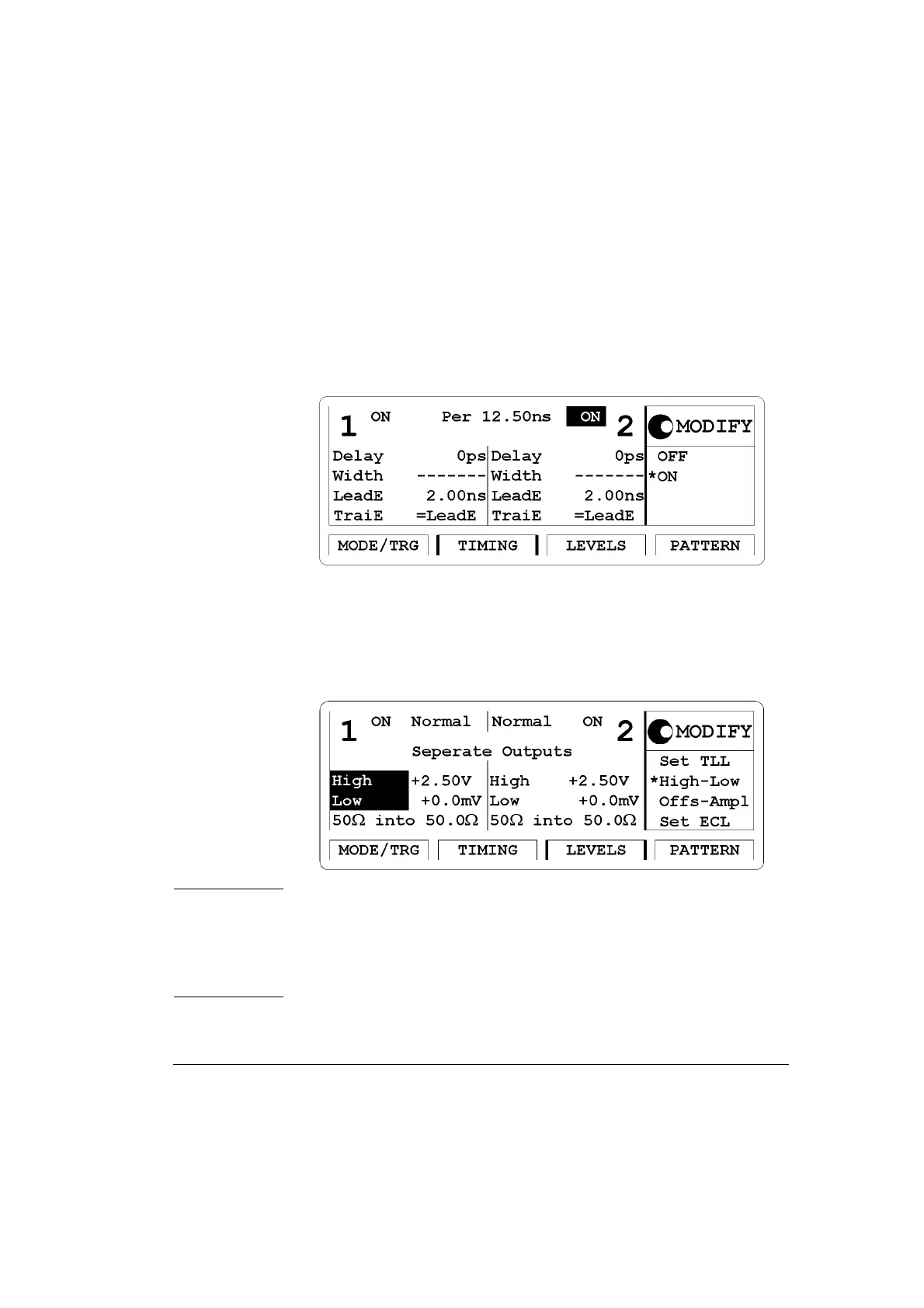
4 Press the |TIMING| softkey to enter the Timing menu. Switch ON
both outputs.
Set the period to 12.5 ns.
Figure 50 Current TIMING Screen
5 Go to the |LEVELS| Menu to set the appropriate clock output voltages.
Set high levels of
2.50 V and low levels of 0.0 mV for both outputs.
Figure 51 Current LEVELS Screen
NOTE: The TIMING and LEVELS screens for HP 81110A with
HP 81112A 3.8V/330 MHz Outputs look different to the screens
shown here as this instrument has no channel addition, fixed
source impedance of 50
Ω, assumes 50 Ω load impedance and has
differential outputs.



 To Next Page