3
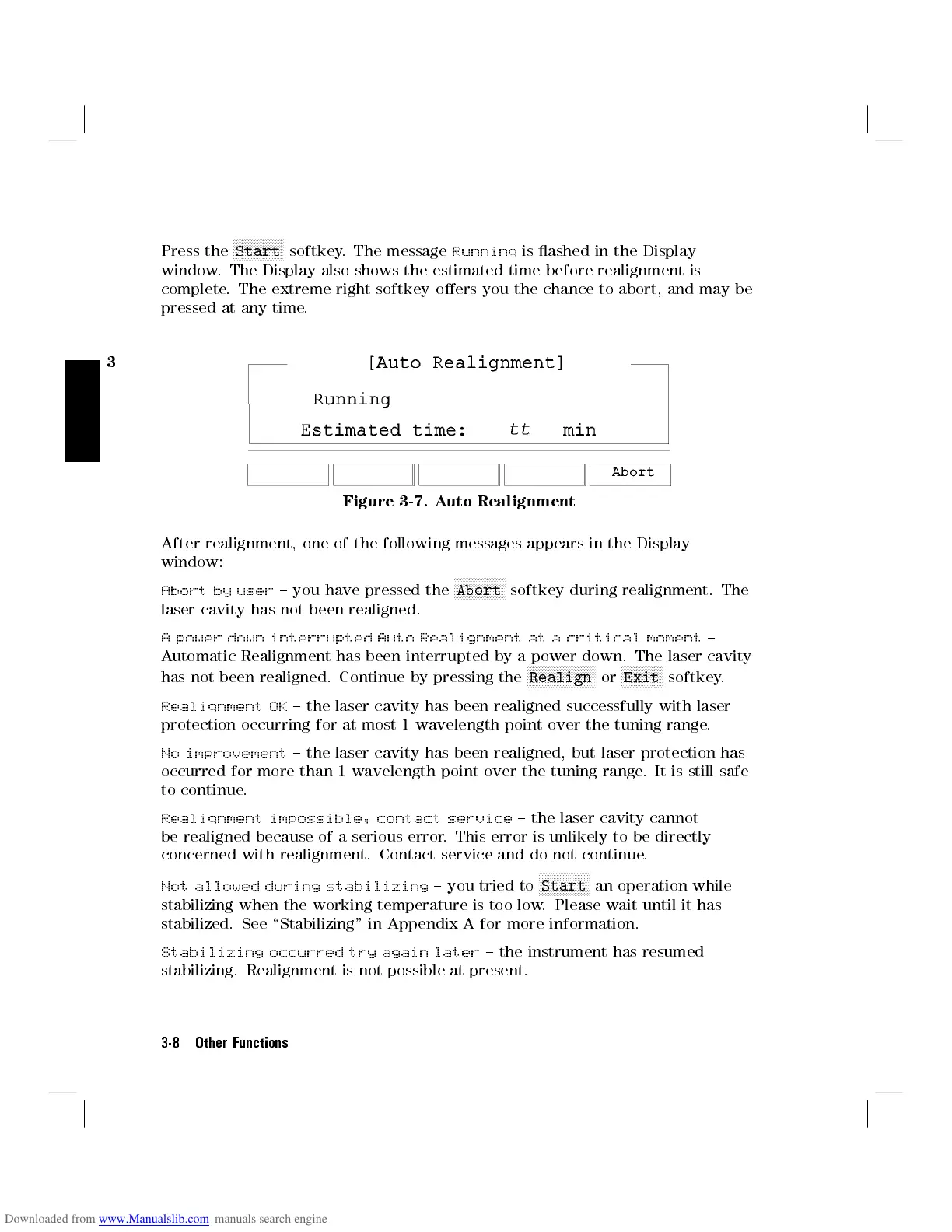
Press the
NNNNNNNNNNNNNNNNN
Start
softkey. The message
Running
is ashed in the Display
window. The Display also shows the estimated time before realignment is
complete. The extreme right softkey oers you the chance to abort, and may be
pressed at any time.
Figure 3-7. Auto Realignment
After realignment, one of the following messages appears in the Display
window:
Abort by user
{ you have pressed the
NNNNNNNNNNNNNNNNN
Abort
softkey during realignment. The
laser cavity has not been realigned.
A power down interrupted Auto Realignment at a critical moment
{
Automatic Realignment has been interrupted by a power down. The laser cavity
has not been realigned. Continue by pressing the
NNNNNNNNNNNNNNNNNNNNNNN
Realign
or
NNNNNNNNNNNNNN
Exit
softkey.
Realignment OK
{ the laser cavity has been realigned successfully with laser
protection occurring for at most 1 wavelength point over the tuning range.
No improvement
{ the laser cavity has been realigned, but laser protection has
occurred for more than 1 wavelength point over the tuning range. It is still safe
to continue.
Realignment impossible, contact service
{ the laser cavity cannot
be realigned because of a serious error. This error is unlikely to be directly
concerned with realignment. Contact service and do not continue.
Not allowed during stabilizing
{ you tried to
NNNNNNNNNNNNNNNNN
Start
an operation while
stabilizing when the working temperature is too low. Please wait until it has
stabilized. See \Stabilizing" in Appendix A for more information.
Stabilizing occurred try again later
{ the instrument has resumed
stabilizing. Realignment is not possible at present.
3-8 Other Functions



 To Next Page