HSD
5801H0056 ______________________________________________________________ 154/181
8.7 REPLACING THE ENCODER READERS
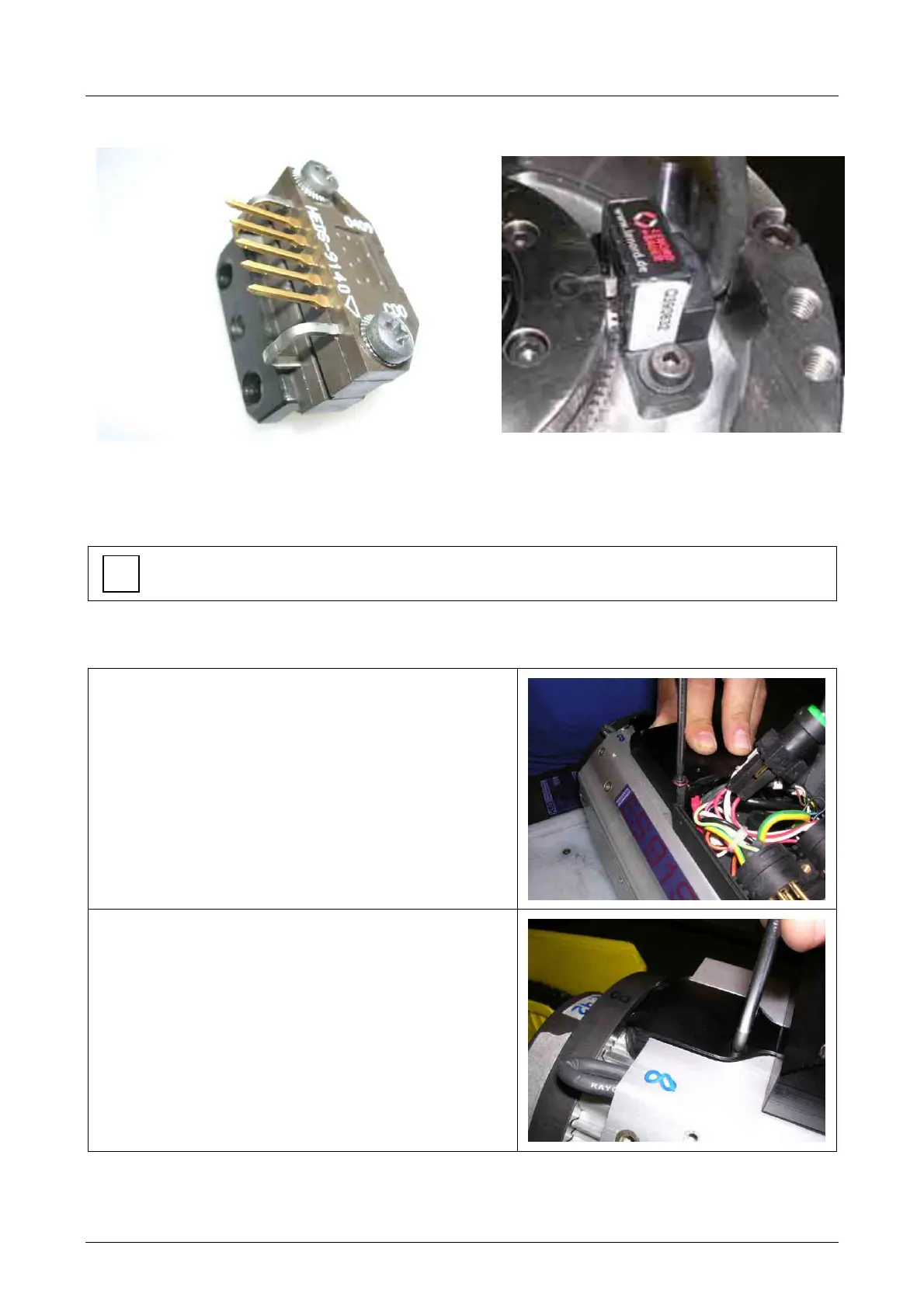
HSD optical reader
(square wave)
Lenord Bauer magnetic reader
(sinusoidal wave)
If the encoder is not working correctly, you can replace the HSD optical reader
To replace the Lenord Bauer magnetic encoder reader, contact HSD Customer Service.
8.7.1 Replacing the HSD optical encoder reader
1.
Loosen the four 4x25 screws of the encoder
box
2.
Loosen the four 4x10 screws of the encoder
cable manifold and remove it from its seat



 To Next Page