HSD
5801H0056 ______________________________________________________________ 133/181
9.
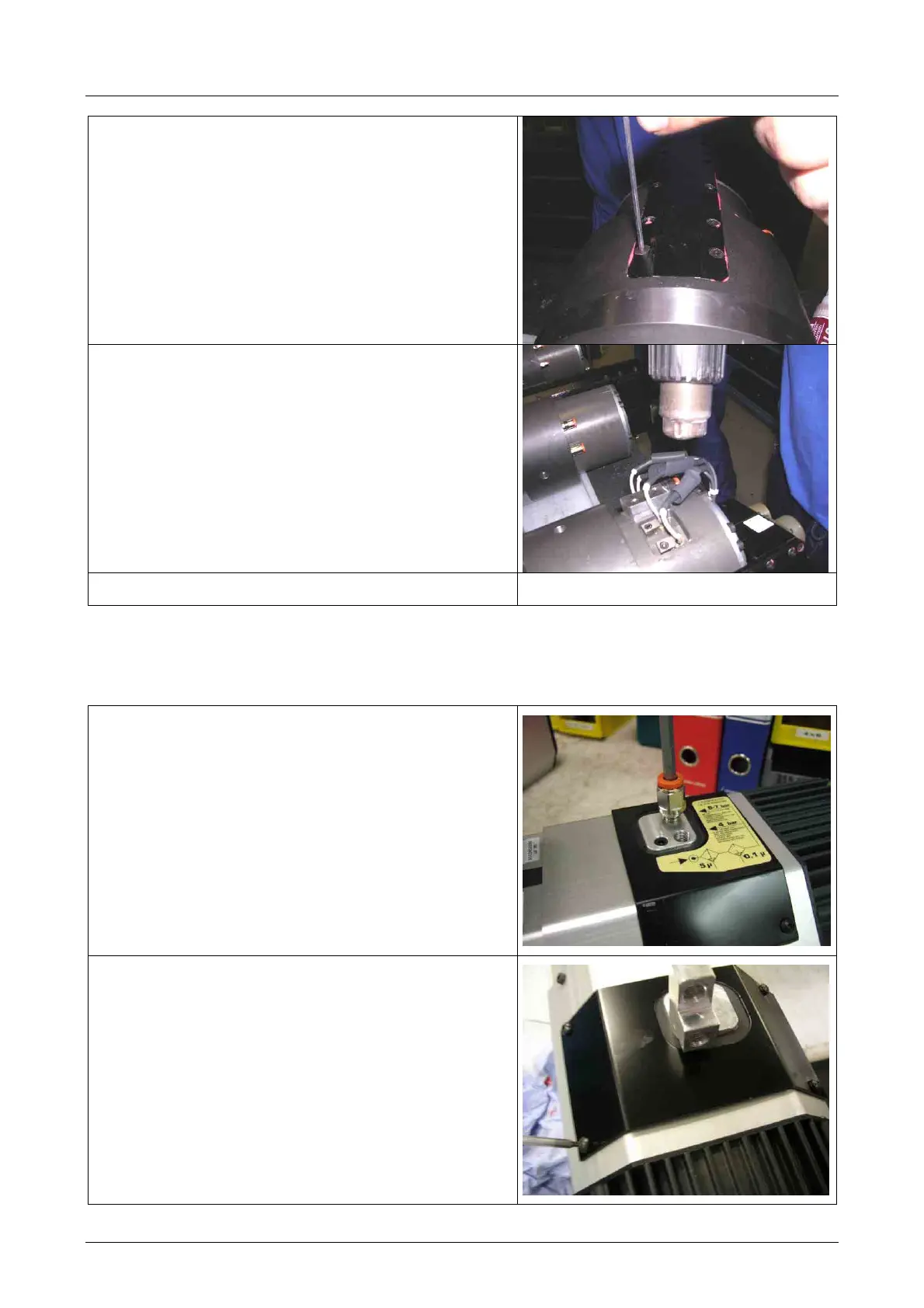
Reassemble the cover, tightening the ten
screws used previously
10.
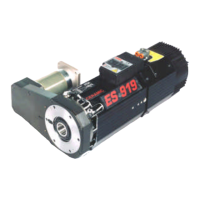
Connect the sensor connectors and recover
them with the heat-shrinking sheath
11.
Carry out the sensor calibration procedure
8.3 REPLACING THE SHAFT KIT FOR MODELS ES915,ES919,ES929,ES988
8.3.1 Disassembly procedure
1.
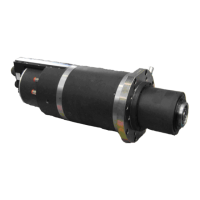
Remove the two pneumatic connectors
2.
Remove the steel sheet cover by loosening the
four fixing screws



 To Next Page