EasyManua.ls Logo

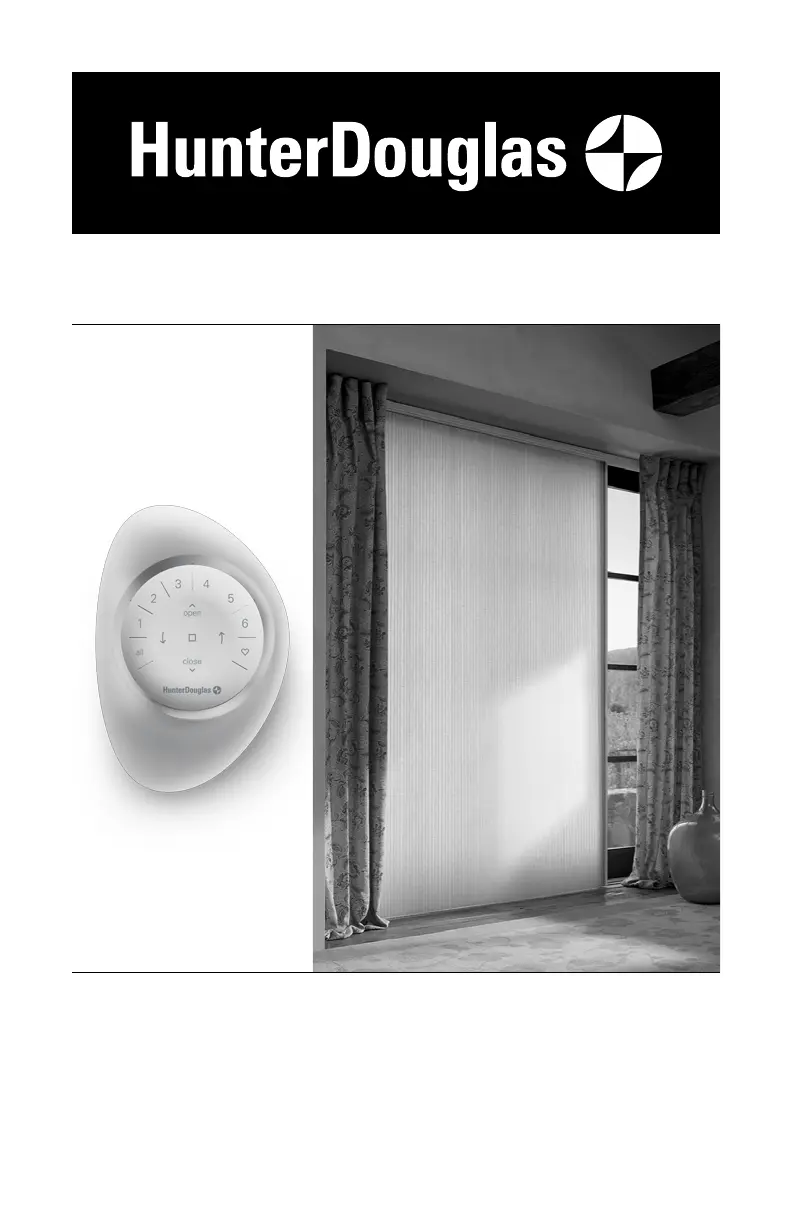
HunterDouglas Duette - User Manual

HunterDouglas Duette
51 pages
Print Icon
To Next Page IconTo Next Page
Loading...
Installation
•
Operation
•
Care
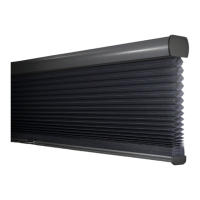
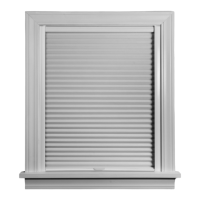
Duette
®
Honeycomb Shades
Vertiglide
™
Side Stack Design
PowerView
®
Gen 3 Automation

Other manuals for HunterDouglas Duette

Questions and Answers

  • S
    Stephanie TuckerSep 2, 2025
    How to adjust the length of HunterDouglas Duette shade?
    • M
      Matthew BassSep 2, 2025
      To adjust the height of your HunterDouglas Indoor Furnishing shade, locate the ferrule seated in a pocket on the underside of the bottom rail. Remove the ferrule from the pocket by pulling on the excess cord. To shorten the cord, hold it tight under the ferrule and slide the ferrule up toward the pocket. To lengthen the cord, hold the cord tight between the pocket and the ferrule, then slide the ferrule away from the pocket. After adjusting, place the ferrule fully back into the pocket. You can tape the extra cord length to the bottom rail or place it into the groove on the bottom rail for future adjustments.
  • L
    Linda BrownSep 2, 2025
    How do I re-thread the ferrule on HunterDouglas Indoor Furnishing?
    • W
      wardparkerSep 2, 2025
      To re-thread the ferrule on your HunterDouglas Indoor Furnishing, thread the end of the cord into the tapered end of the ferrule. Loop the cord around the ferrule and back through the tapered end, ensuring the loop fits into the groove on the side of the ferrule.
  • S
    Sonya DyerSep 3, 2025
    What to do if HunterDouglas Indoor Furnishing shade does not raise and lower evenly?
    • W
      William LewisSep 3, 2025
      If your HunterDouglas Indoor Furnishing shade doesn't raise and lower evenly, check the installation brackets. Also, ensure that the shade fabric is not caught between the bracket tab and the headrail.
  • J
    Jessica ClarkSep 4, 2025
    Why HunterDouglas Duette Indoor Furnishing shade will not snap into the mounting brackets?
    • J
      josephloriSep 4, 2025
      If your HunterDouglas Indoor Furnishing shade won't snap into the mounting brackets, make sure the mounting brackets are level. You may also need to loosen the tab screws slightly.
  • C
    Courtney ParkSep 4, 2025
    What to do if my HunterDouglas Window Blinds shading does not respond to the remote?
    • S
      Shane ColeSep 4, 2025
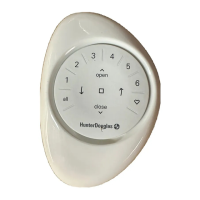
      A HunterDouglas Window Blind shade will not operate until it is joined to a group. Check that the correct group number is selected. Also, check if the batteries need to be replaced. If the batteries are running low, the inner ring buttons (open, close, right arrow, left arrow, stop) light up RED. The remote takes two CR2032 batteries.
  • J
    jillian11Sep 5, 2025
    Why is my HunterDouglas Window Blinds shade operating slowly?
    • Y
      Yolanda KennedySep 5, 2025
      If your HunterDouglas Window Blinds shade is operating slowly, replace the batteries in the battery wand(s).
  • J
    jasontoddSep 5, 2025
    What to do if HunterDouglas Window Blinds with 18V DC Power Supply doesn't operate?
    • J
      Joshua LoganSep 5, 2025
      If your HunterDouglas Window Blinds shade that is operated by an 18V DC Power Supply is not working, make sure the 18V DC Power Supply is plugged in and the wall outlet has power. Also, check that all the cable connections are seated correctly.
  • L
    Linda WrightSep 6, 2025
    Why won't my HunterDouglas Window Blinds operate even when the battery is charged?
    • J
      Janet CruzSep 6, 2025
      If your HunterDouglas Window Blinds shade's battery is charged but the shade isn't working, it might be due to the temperature in your window exceeding safe limits. The safety feature will shut the battery off temporarily. If you anticipate the rechargeable battery wand consistently exceeding this temperature limit, please reinstall in a location that avoids direct sunlight.
  • T
    tiffany56Sep 7, 2025
    How to recharge the rechargeable battery of HunterDouglas Window Blinds?
    • M
      matthew14Sep 7, 2025
      To safely remove the rechargeable battery wand from your HunterDouglas Window Blinds shade, grasp the end of the battery wand that is furthest away from the power socket. Use the indentation on the end of the battery wand, use your index finger to pull the battery out of the mount. Plug the dual charging station into a standard AC outlet. Insert the nose of the rechargeable battery wand into one of the slots of the dual charging station. Once the battery has been fully recharged, the red light indicator will turn green.

Summary

Getting Started

Product Overview and Features

Introduces the Duette Vertiglide shade, its components, and the dual operation feature.

Installation Tools and Preparation

Lists necessary tools, fasteners, and initial preparation steps before installation.

Installation Guide

Installation Overview and Mounting Types

Defines mounting types (inside/outside), terminology, and general installation approach.

Outside Mount Installation

Detailed steps for mounting brackets, headrail, and bottom bracket for an outside installation.

Inside;Ceiling Mount Installation

Detailed steps for mounting brackets, headrail, and bottom bracket for an inside or ceiling installation.

Fabric Stack and Cord Mechanism

Procedures for installing the fabric stack, fabric carriers, and setting the cord tension.

Power Source and Control Setup

Covers mounting the PowerView control button and connecting various power sources.

Valance Attachment and Types

Covers identifying valance types, attaching clips, and installing aluminum or wood valances.

Operation and Maintenance

Using PowerView App and Remote

Guides on programming, basic operation, and advanced features of the PowerView system.

Shade Reset and Limit Adjustments

Explains calibration reset, shade programming reset, and electronic limit adjustments.

Shade Removal and Cleaning

Provides instructions for removing the shade and various cleaning procedures.

Troubleshooting

Common Operational Problems

Addresses issues like shade not operating, slow movement, remote response, and binding.

PowerView Remote and Battery Issues

Troubleshoots remote response problems and battery replacement/recharging.

Alignment and Limit Adjustments

Solves alignment issues and guides on adjusting shade limits.

Declarations and Safety

Regulatory Compliance Statements

Contains FCC, ICES-003, NMB-003, and CE compliance statements.

Critical Child Safety Warnings

Provides critical safety warnings regarding the risk of strangulation from blind cords for children.

Lifetime Guarantee

Warranty Coverage and Service

Details warranty coverage, exclusions, and the process for obtaining service.

HunterDouglas Duette Specifications

General IconGeneral
BrandHunterDouglas
InstallationInside mount, outside mount
MaterialFabric
Light ControlVaries from sheer to opaque
Operating SystemsPowerView Automation
Specialty ShapesYes
StyleModern
UV ProtectionUp to 99%
Light Control OptionsSheer, semi-sheer, semi-opaque, opaque
OperationManual or motorized
CustomizationFabric, Color, Opacity, Operating System
Energy EfficiencyExcellent; cellular design traps air for insulation

Related product manuals