1-11
Scanner Assembly
032-0330-EN Rev K
56.
57
56
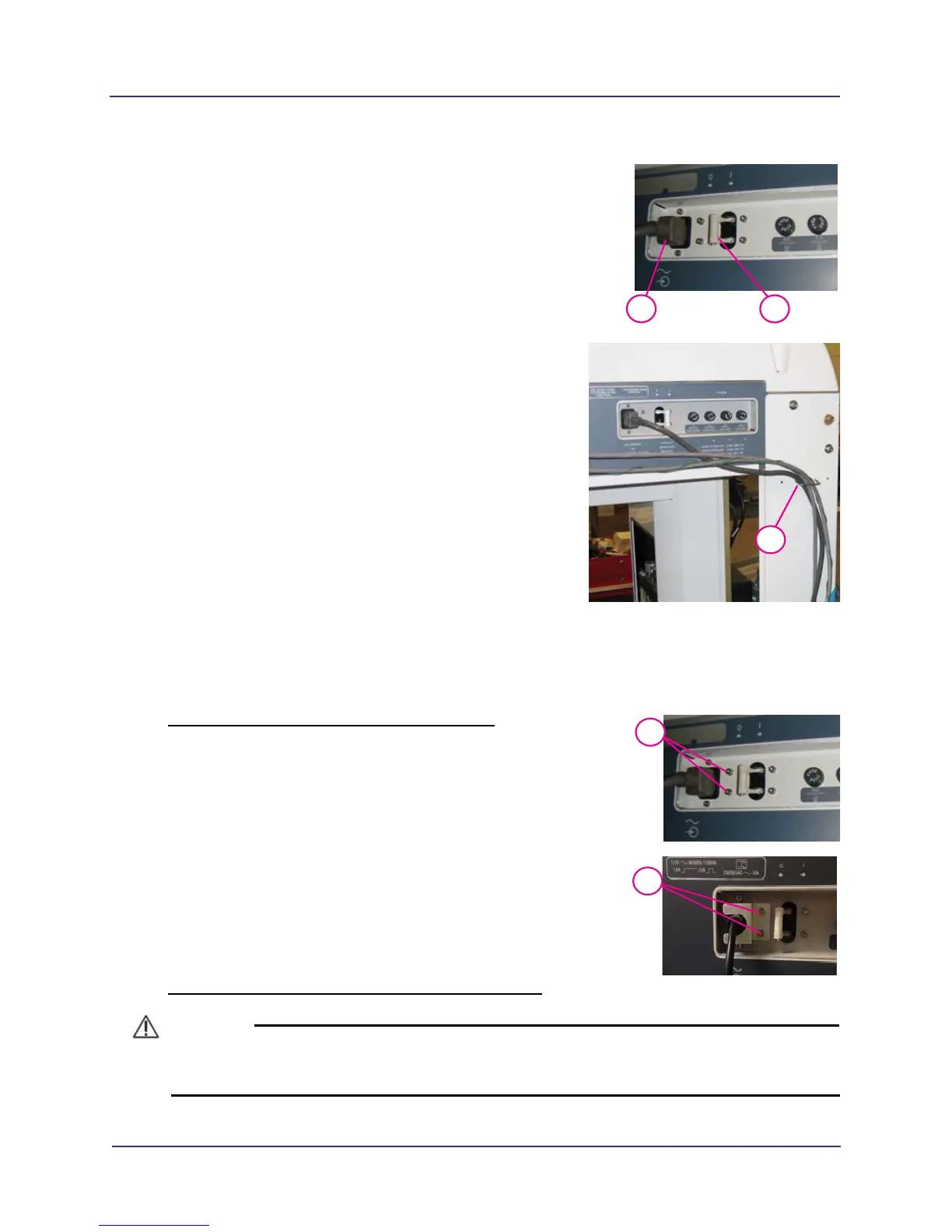
Connect power cable to AC POWER IN connector on
rear of overhead panel.
57. Ensure the power circuit breaker on the overhead
rear panel is set to the 0 (off) position.
58.
58
To ensure that the device cabling does not interfere
with the rotation of the gantry, use cable clips to dress
cabling as shown.
Install Retention Brackets
Permanently connect the line cord to the scanner and wall receptacle using retention brackets provided.
Install Overhead Cord Bracket at Scanner Input
1. Remove two screws and washers next to scanner line
cord input. Retain hardware.
2. Install overhead cord bracket over line cord, and align
holes of bracket to holes in rear overhead.
3. Install bracket with two screws and washers, securing line
cord in place.
Install Line Cord Retention Bracket at Wall Receptacle
CAUTIONCAUTION
Power to the wall receptacle should be turned off during this procedure. Connect to hospital grade
power only.
1
7/64
3
7/64



 To Next Page