A-4
i-CAT FLX Installation Manual
032-0330-EN Rev K
Wall Mount with Cable Inside Wall
1.
1
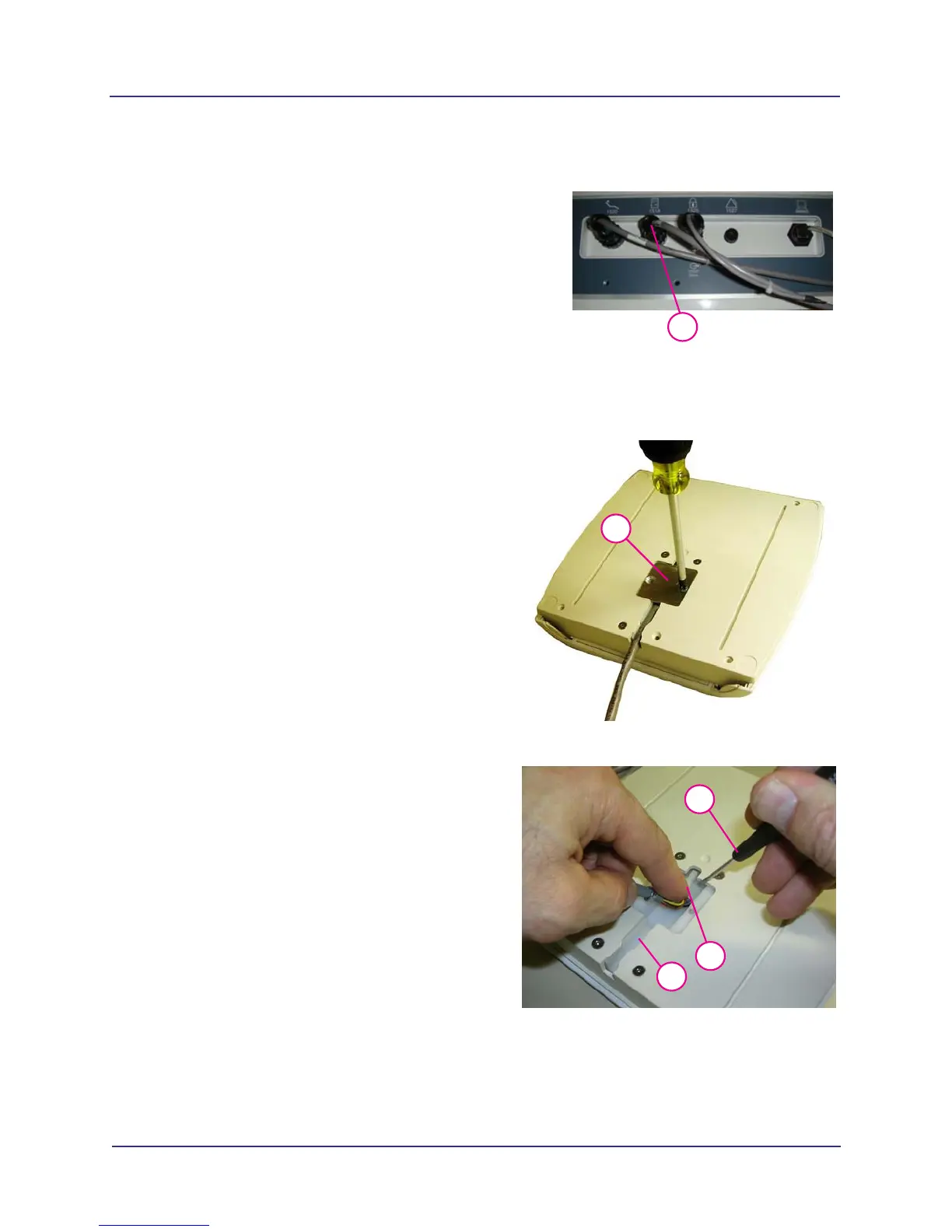
Disconnect operator control box cable from
rear of overhead panel.
2.
2
Remove cable connector cover plate from
rear of operator control box.
3.
4
5
3
Pull cable out from wire channel.
4. Press the plug locking latch.
5. Disconnect plug from socket. Do not pull on
wires. Use a flat blade screwdriver to pry
from socket.



 To Next Page