3-15
Load Clinical Software and Configure System
032-0330-EN Rev K
Scenario 4 - Upgrade Existing DEXIS (without i-CAT 17-19 or KaVo 3D
eXam) with DEXIS - i-CAT FLX
NOTE: DEXIS is optional software and is not available in all countries.
Sites must be running DEXIS Eleven to be able to integrate with the i-CAT FLX and SmartScan STUDIO.
For sites that are running earlier versions of DEXIS, follow the sequence below. For sites already running
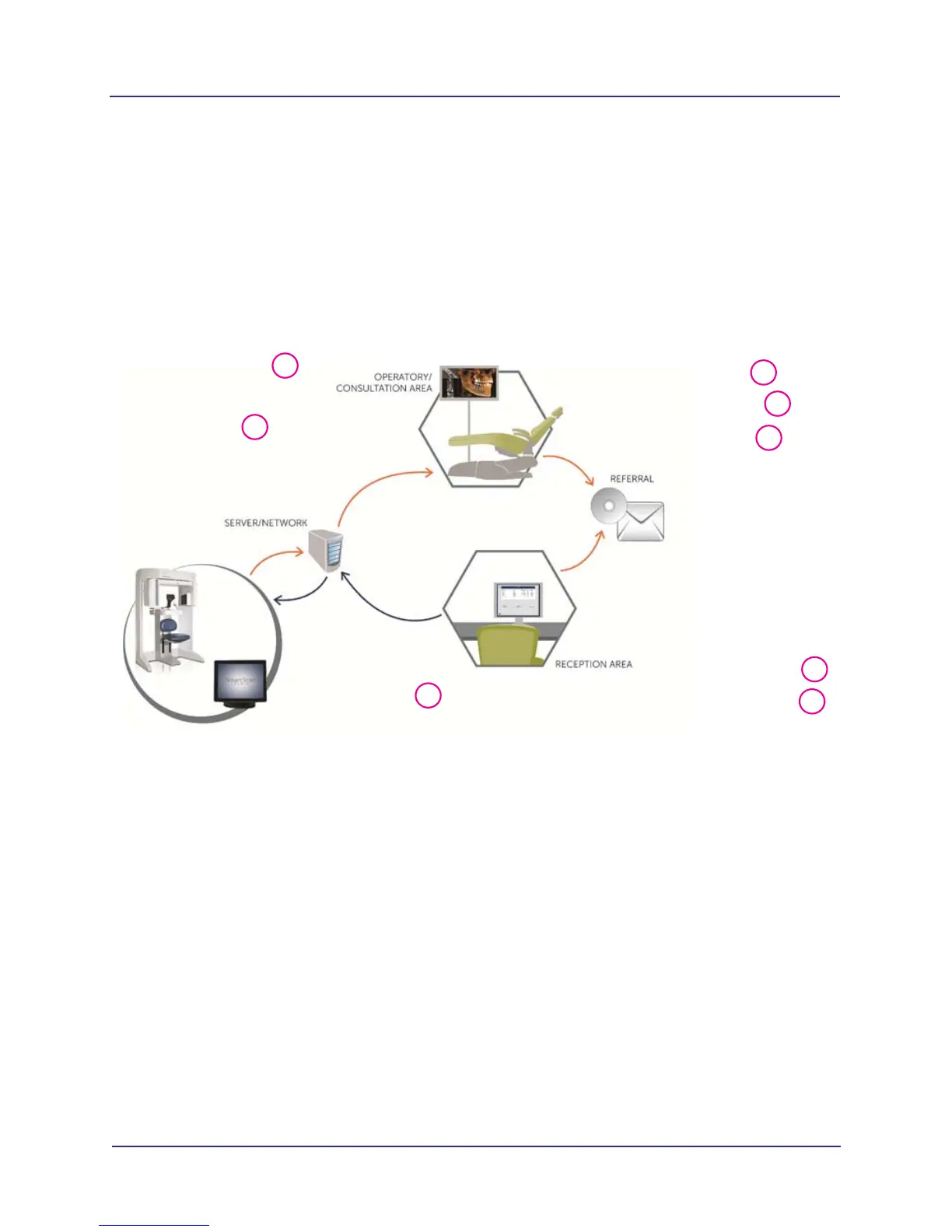
DEXIS Eleven, skip step 2. The diagram shows a possible site configuration with guidelines for the software
that should be loaded on each workstation.
Reception Area
• Approved PMS
• DEXIS Eleven (Client)
• DEXIS i-CAT FLX Client
Site Provided Server
• DEXIS Core (Server)
• SmartScan STUDIO
Integration Services
• DEXIS i-CAT
FLX Server Plugin
• (Optional) 4 - 5 if server
is also a client
i-CAT FLX
• SmartScan STUDIO
pre-installed)
Operatory/Consultation Room
• DEXIS Eleven (Client)
• DEXIS i-CAT FLX Client
• SmartScan STUDIO Manager
• TxSTUDIO
2
3
1
2
4
5
2
4



 To Next Page