A-1
032-0330-EN Rev K
Appendix
A
Wall Mounting Operator Control
Box
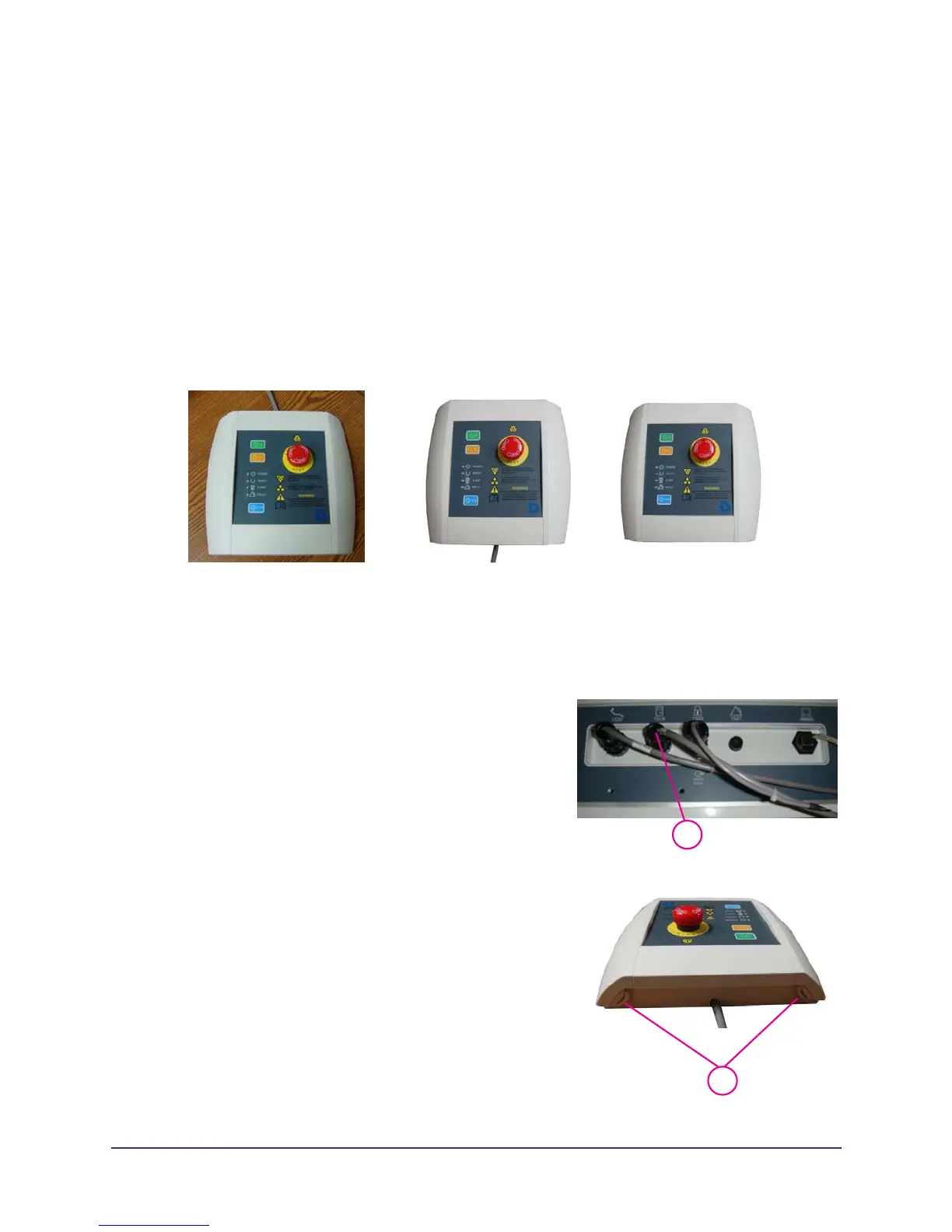
The operator control box is configured for desktop usage but can be modified for wall mounting access.
Wall Mount with Cable Exposed
1.
1
Disconnect operator control box cable from rear of
overhead panel.
2.
2
At top of operator control box, slide clip away from tab
so that tab can be pressed down to loosen side panel
(both sides).
Desktop
Wall Mounted
(cable exposed)
Wall Mounted
(cable inside wall)



 To Next Page