A-2
i-CAT FLX Installation Manual
032-0330-EN Rev K
3.
3
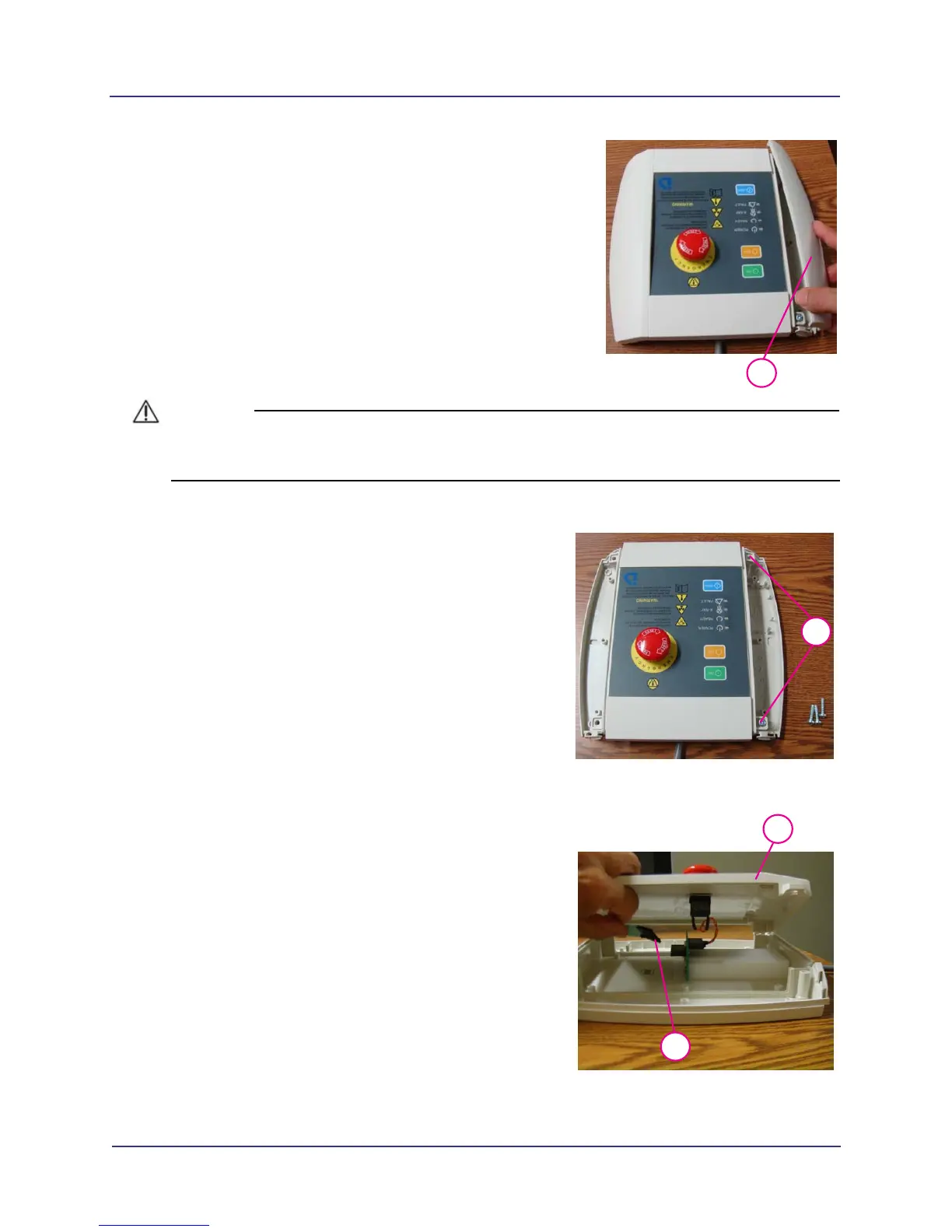
Lift side panel (tab end) upward and remove
from operator control box (both sides).
CAUTIONCAUTION
A ribbon cable is connected from the operator control box face panel to the base. Damage to the
ribbon cable may occur if the face panel is separated too far from the base.
4.
4
Remove four mounting screws from face panel.
5.
5
6
Gently lift face panel from base to access
ribbon cable.
6. Remove ribbon cable by pressing ribbon
connector locking tab (bottom center of
connector) and pulling connector out of the
socket.



 To Next Page