3-5
Load Clinical Software and Configure System
032-0330-EN Rev K
Site IT Network Setup
CAUTIONCAUTION
The scanner controller, should at no time, have Windows Log-in or Domain Log-in enabled or
changes made to it. The addition of the scanner controller to a domain will render it unusable and
a replacement may be required.
Network Access Permissions
In all installation cases, regardless of the topology selected, the required network permissions must be
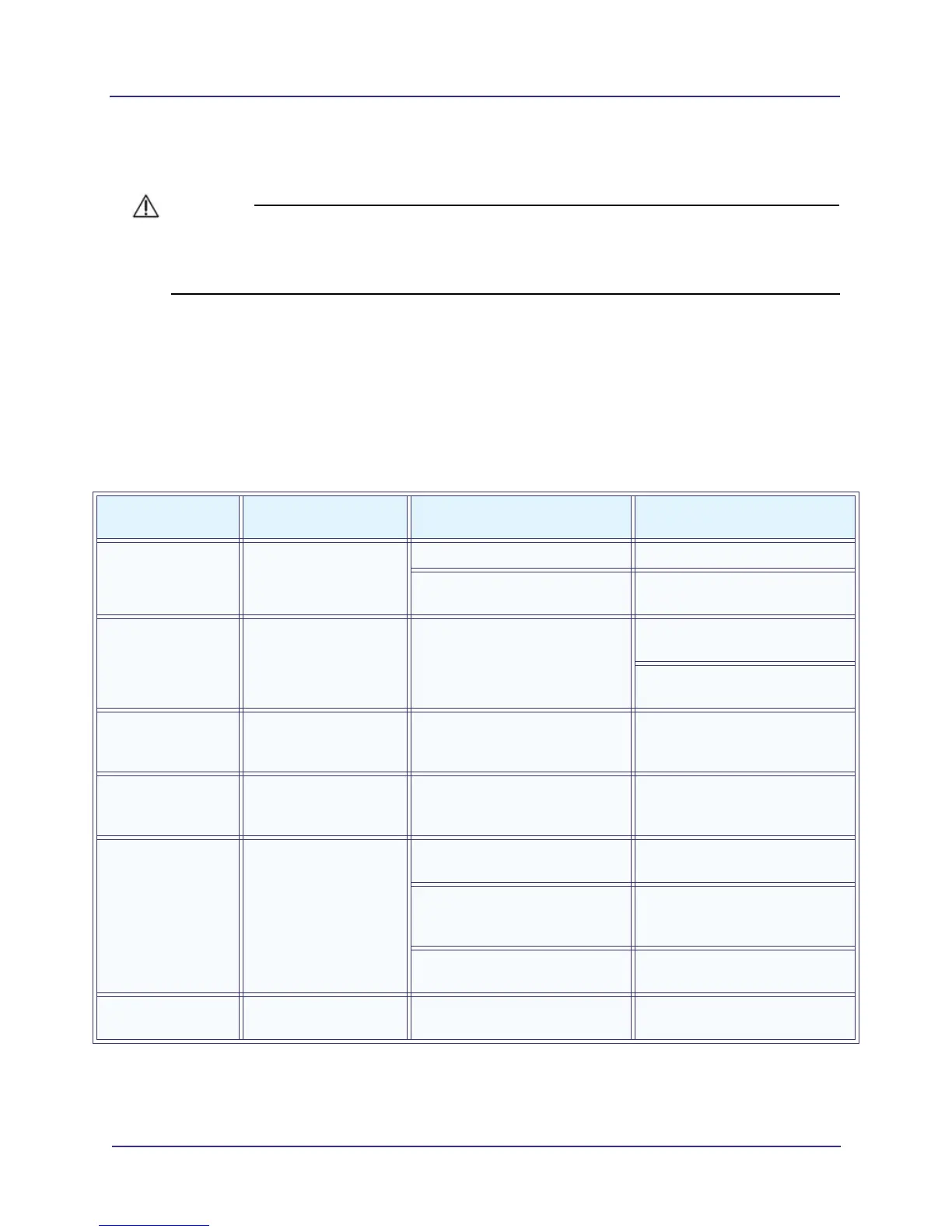
satisfied by the site’s IT department. The following table identifies the necessary access permissions
for SmartScan STUDIO software components to function correctly. “Web Access” refers to providing the
IP address and firewall configuration settings necessary to allow access to a component.The “Common
Symptoms” column lists symptoms that occur when the corresponding access/permissions are not
provided for the component.
Software
Component
Software Component
Installation Media
Access/Permissions Required Common Symptoms
SmartScan STUDIO
Integration Services
Import Service
SmartScan STUDIO
Server
Web access to scanner controller Assets not “committed”
Read/write access to ImageRoot
folder
“Committed” images do not
appear in ImageRoot folder
DEXIS i-CAT FLX
Server Plugin
SmartScan STUDIO
Server
Read/write access to DEXIS
Core server
ImageRoot contains thumbnails,
but DEXIS Core does not
Thumbnail does not appear in
DEXIS viewer
SmartScan STUDIO
Integration Services
Update Service
SmartScan STUDIO
Server
Read/write access to ImageRoot
folder
Exam not “Ready to View?” in
exam list
SmartScan STUDIO
Integration Services
Web Service
SmartScan STUDIO
Server
Read access to ImageRoot folder
SmartScan STUDIO Manager
exam list not updating
SmartScan STUDIO
Manager
SmartScan STUDIO
Client
Web access to scanner controller No response from device when
creating an exam
Web access to SmartScan
STUDIO Integration Services
web service
Patient status = completed; Exam
not “Ready to View?” in exam list
Read/write access to ImageRoot
folder
SmartScan STUDIO Manager
“rescan” fails
DEXIS i-CAT FLX
Client
SmartScan STUDIO
Client
Web access to scanner controller No response from device when
creating an exam



 To Next Page