2-9
Calibration and Laser Adjustments
032-0330-EN Rev K
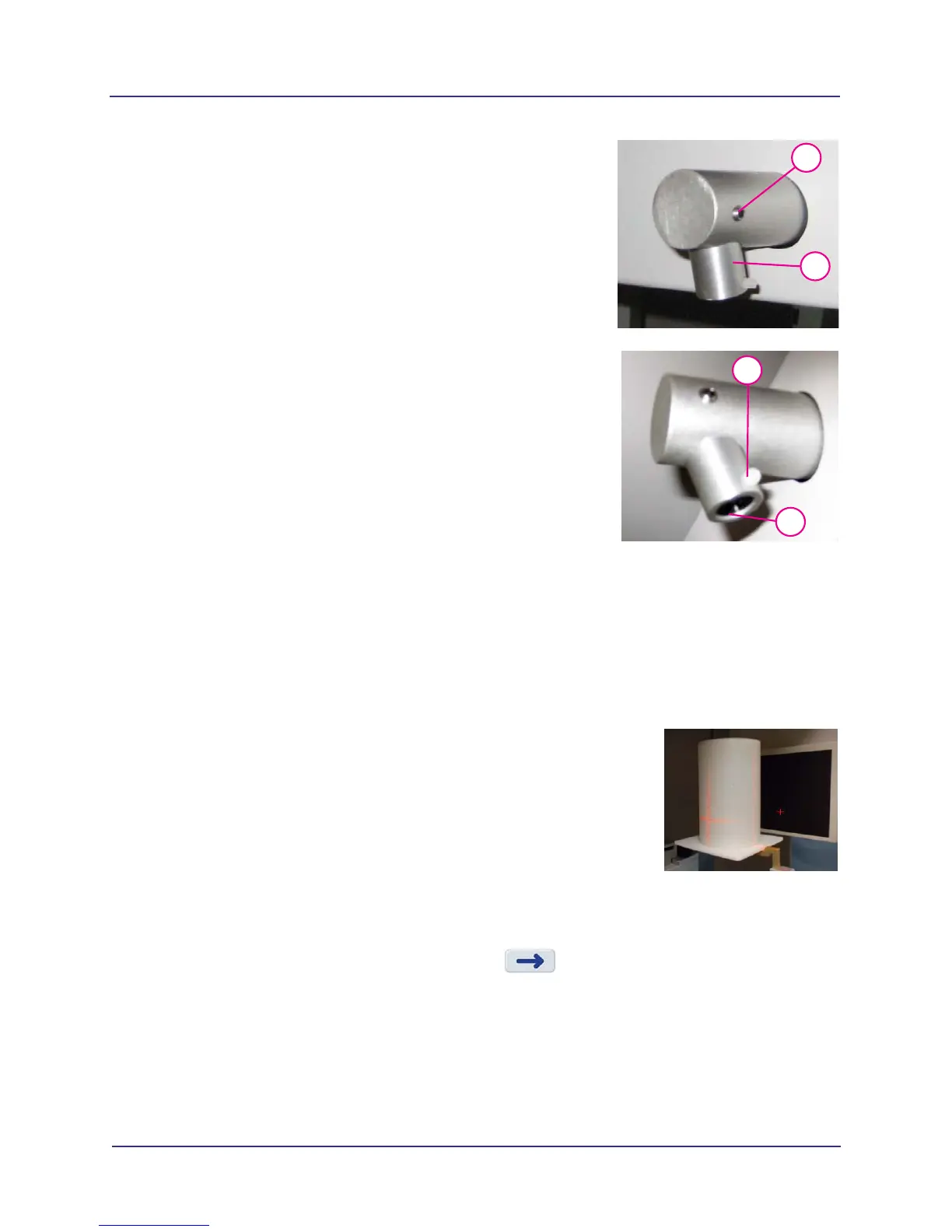
Angle Adjustment:
1. Loosen laser pointer set screw.
2. Press the ALIGNMENT LIGHT button.
3. While the laser is lit, manually rotate the laser pointer until
it is aligned with the center line on the chair calibration
fixture.
4. While holding the laser pointer in place, firmly tighten set
screw.
Laser Line Sharpness Adjustment:
1. Loosen laser pointer lens set screw.
2. Press the ALIGNMENT LIGHT button.
3. Manually rotate laser pointer lens with your finger tip until
laser line is thin and sharp.
Rotating the lens for sharpness will require realignment
(side-to-side and/or angle).
4. Tighten set screw to lock lens in place.
Geometric Calibration
It is recommended that GeoCal be performed once a year to ensure optimal image quality or if the image
quality is degraded.
GeoCal runs in both Portrait (V17 systems only) and Landscape positions. A pie chart displays status.
Install Geometric Calibration Fixture
1. Mount the phantom platform and center the GeoCal
fixture on the platform using the alignment holes.
2. Ensure that the GeoCal fixture is level.
3. Using the Alignment Lasers, align the GeoCal fixture
crosshair slits with the laser cross beams. The laser
beams should roughly align with the fixture crosshair slits.
Run Geometric Calibration
1. From Utilities menu, select GeoCal.
2. Verify GeoCal fixture installation, then press . The scanner initializes.
3. When prompted, press the Scan button on the operator control box. An audible alarm is
sounded and the X-ray ON light is illuminated during radiation exposure.
4. If the landscape calibration passes, the message Step 1 Complete is displayed. Go to step 6
to run GeoCal in portrait position (V17 systems only). For V8 and V10 systems, GeoCal is
complete.
1
3/32
3
1
1/16
3



 To Next Page