3-3
Load Clinical Software and Configure System
032-0330-EN Rev K
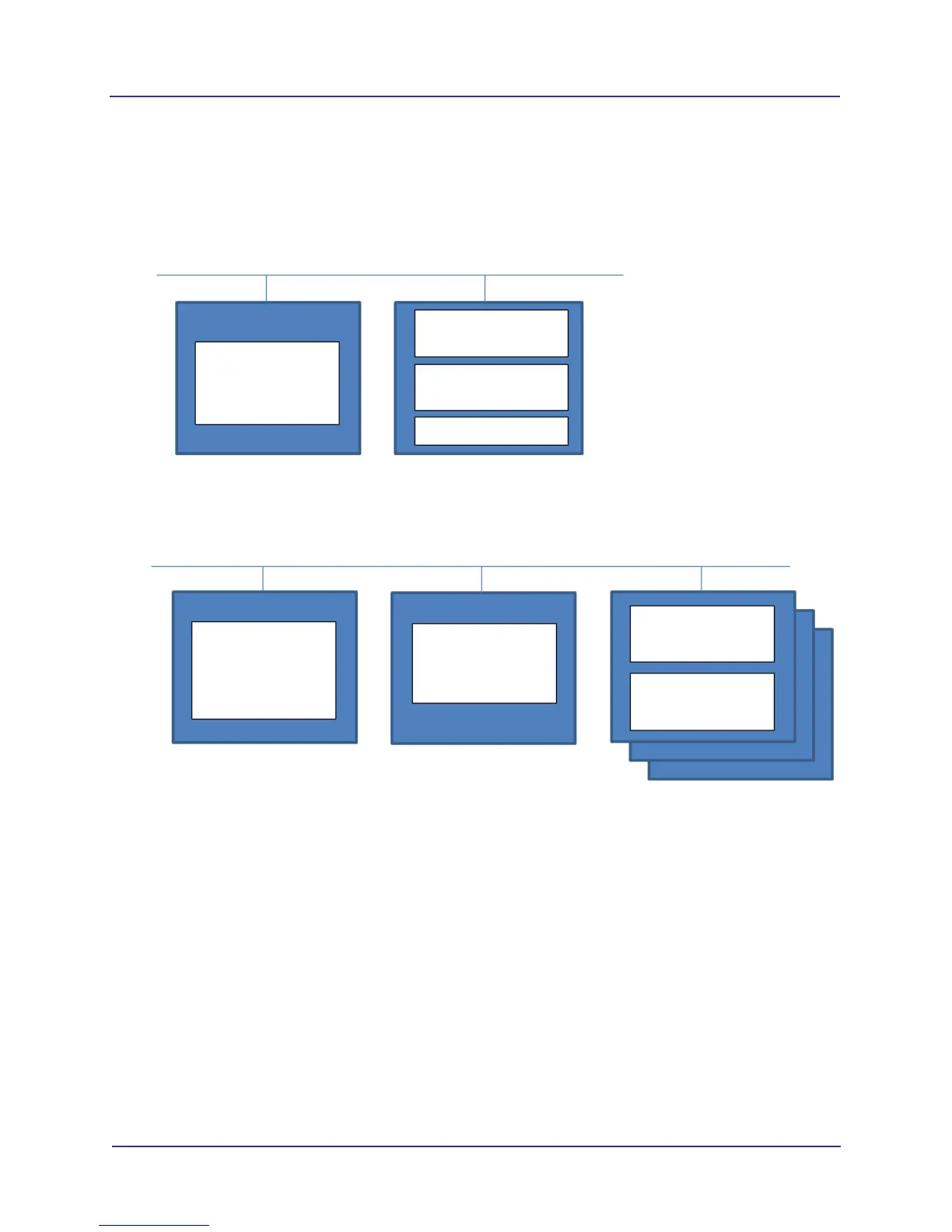
The following diagrams show the possible installation topologies for both an i-CAT FLX installation and a
DEXIS installation. Refer to Appendix C for additional network setup options.
i-CAT FLX Installation
Scanner Controller
with software pre-installed
Site-provided Server with
Server and Client running on
same machine
Scanner Controller
with software pre-installed
Site-provided Server
(Separate Server)
Site-provided Client(s)
(Separate Clients)
Separate Server and Client(s)
Replace Existing i-CAT 17-19 or KaVo 3D eXam with an i-CAT FLX (without DEXIS)
• Use either topology above.
• Move existing ImageRoot to site-provided server.
Scanner with
SmartScan
STUDIO
SmartScan STUDIO
Integration Services
SmartScan STUDIO
Manager
Viewer
Scanner with
SmartScan
STUDIO
SmartScan STUDIO
Integration Services
SmartScan STUDIO
Manager
Viewer
Shared Server - Client



 To Next Page