6
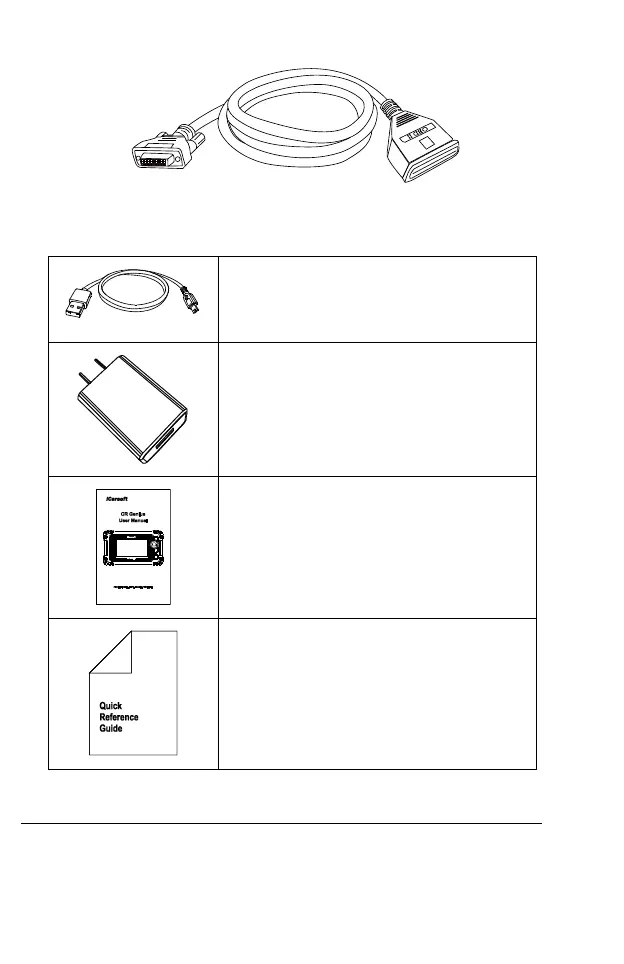
Figure 2-4 Main Cable
2.2.2 Other Accessories
Mini USB Cable
Connects the Display Tablet to the PC or DC
external power adapter.
USB External Power Adapter
Together with the mini USB cable, connects the
Display Tablet to the external DC power port for
power supply.
User Manual
Tool operations instructions.
Quick Guide
Device connection and product unpacking list,
product description, etc.
3 Getting Started
Ensure the tablet is sufficiently charged or is connected to the external
power supply (see Power Sources on section 2.1.2).










 To Next Page