8
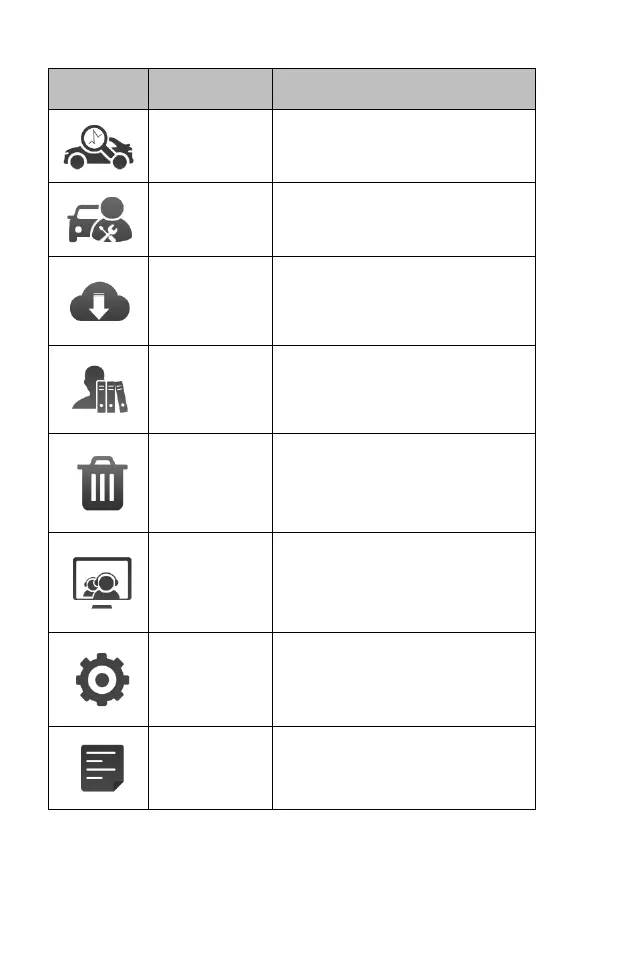
Accesses diagnostic functions menu.
See Diagnostics Operations on
chapter 4.
Accesses special functions menu. See
Service Operations on chapter 5.
Checks for the latest update available
for the CR Genius system, and
performs updates. See Upgrade
Operations on chapter 6.
Accesses the organization system for
saved data files. See User Data
Operations on chapter 7.
Manage the application and database
installed on the CR Genius tablet. See
Uninstall Operations on chapter 8.
Feedback and get on-line service from
iCarsoft with the CR Genius tablet.
See Support Operations on chapter 9.
Accesses CR Genius system settings
menu and general tablet menu. See
Settings Operations on chapter 10.
Access CR Genius system information
about the machine. See About
Operations on chapter 11.
3.1.2 Locator and Navigation Buttons
Operations of the Navigation buttons at the bottom of the screen are
described in the table below:










 To Next Page