74
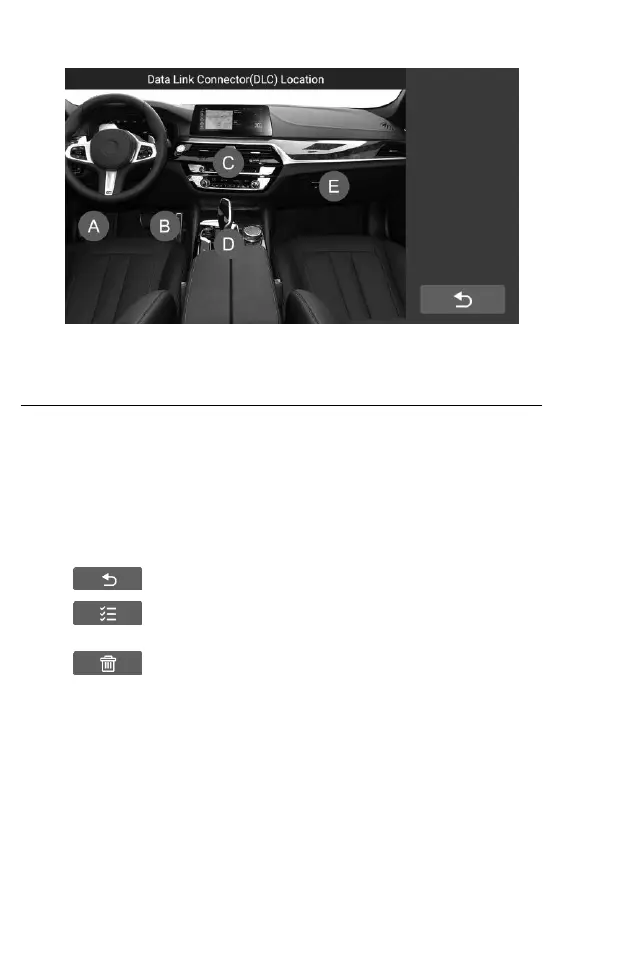
Figure 7-14 Sample DLC Location Screen
8 Uninstall
This section allows you to manage the software applications installed on
the CR Genius Diagnostics System. Select this section to open a management
screen, on which you can check all the available vehicle diagnostic applications.
By clicking on each line of car brand to select the car software to be
removed, the selected item displays a red check in the check box on the right.
Tap the Delete button on the top bar to remove the software from the system
database.
Describe each button from left to right:
Back Button – returns to the CR Genius home screen.
Select All Button – press to select all the software that the
page displays.
Delete Button – Remove the selected software.










 To Next Page