69
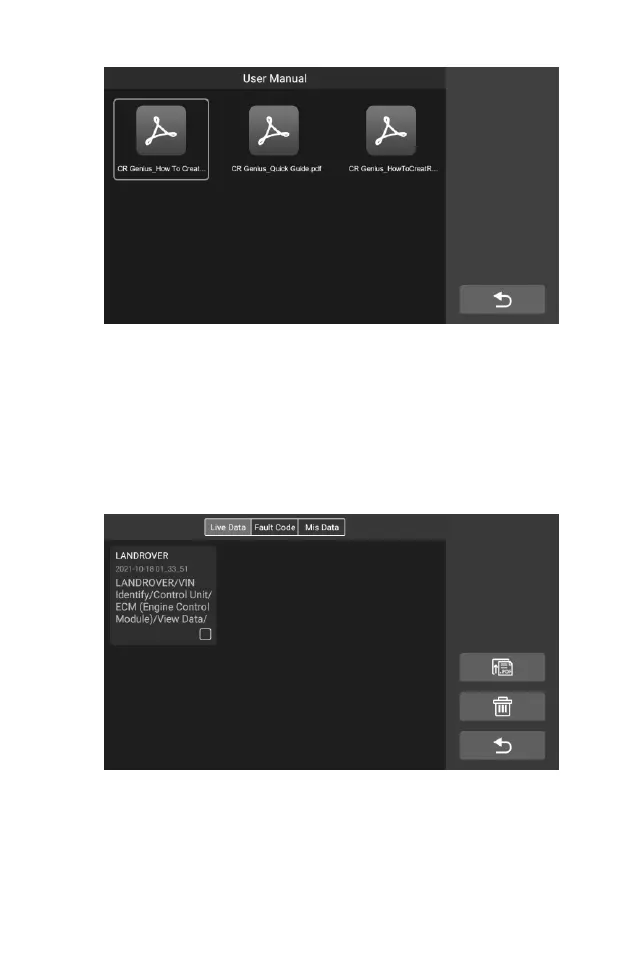
Figure 7-4 Sample User Manual Screen
7.4 Play Back
The playback section allows you to view diagnostic data, live data, and fault
codes on the system.
To view live data:
1. Tap the Play back icon on the User Data application. The screen
display the data list of diagnostic data, live data, and fault codes.
Figure 7-5 Sample Play Back Screen 1
2. Select a list, the screen will enter the data flow recording interface.










 To Next Page