70
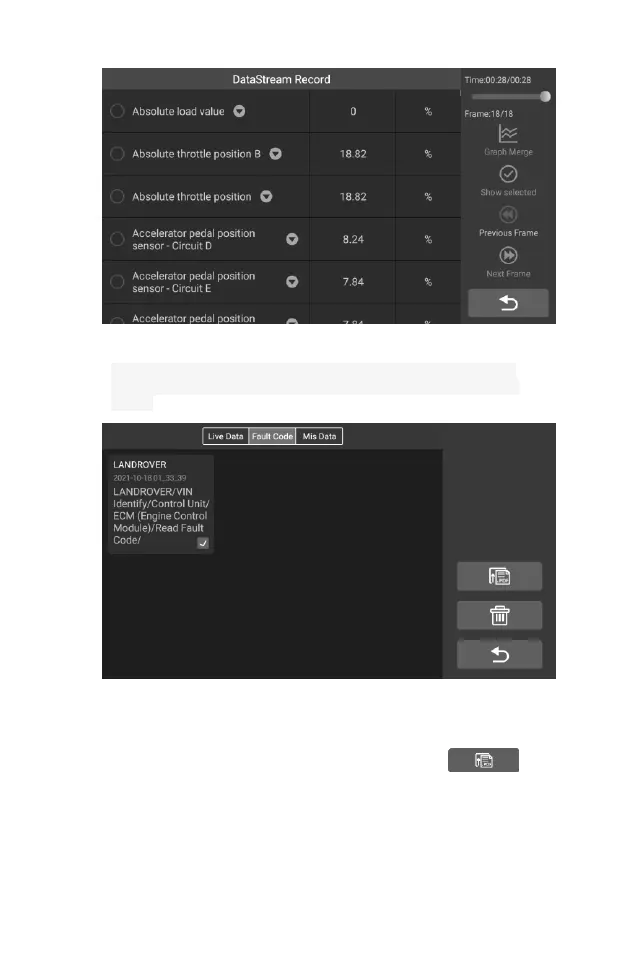
Figure 7-6 Sample Play Back Screen 1
3. Select the check box in the lower right corner of each list, tap the
button in the upper right corner to execute PDF output function or
delete.
Figure 7-7 Sample Play Back Screen 2
Perform PDF output function:
1) Select one or more data lists and tap the button to
enter the interface as shown in the figure below. In this
interface, you can still move up, down, and delete.










 To Next Page