71
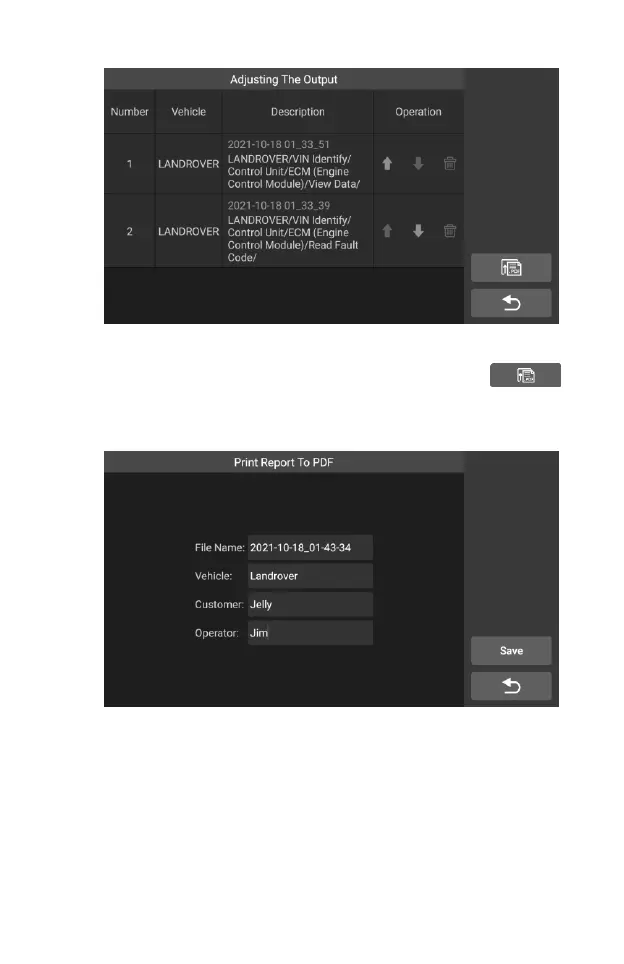
Figure 7-8 Sample Play Back Screen 3
2) After the adjustment is completed, tap the button in
the upper right corner, and an interface for outputting the report
to PDF appears. Fill in the file name, vehicle, customer, and
operator, and press the save button.
Figure 7-9 Sample Play Back Screen 4
3) Wait for the program to execute, as shown below:










 To Next Page