72
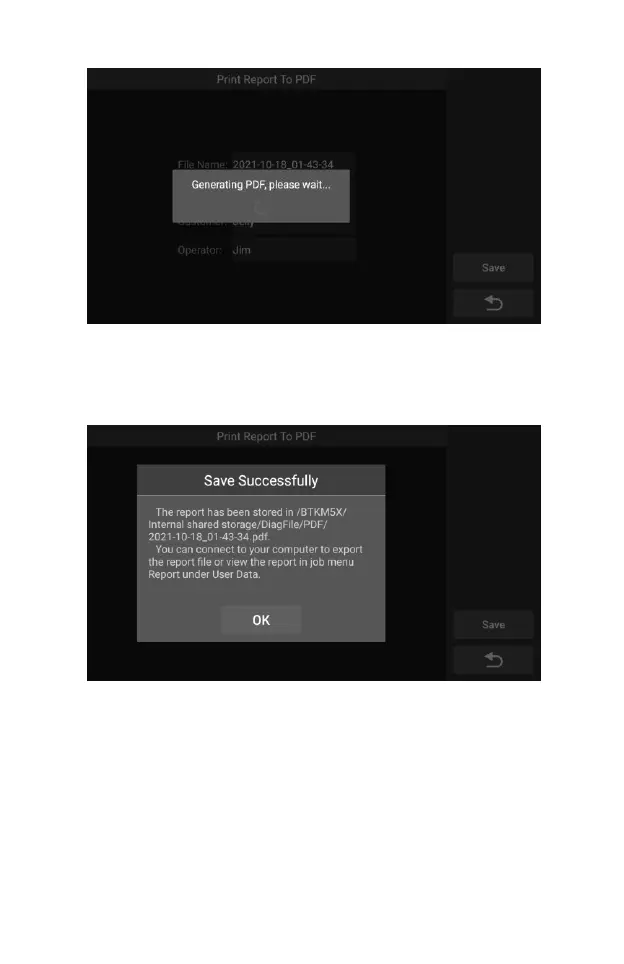
Figure 7-10 Sample Play Back Screen 5
4) After the save is complete, the screen will show a message
indicating that the save is successful, and inform the user of the
save path of the report.
Figure 7-11 Sample Play Back Screen 5
5) The specific steps can refer to the reference file in the User
Manual: CR Genius_HowToCreateReport.pdf, as shown in the
figure below.










 To Next Page