75
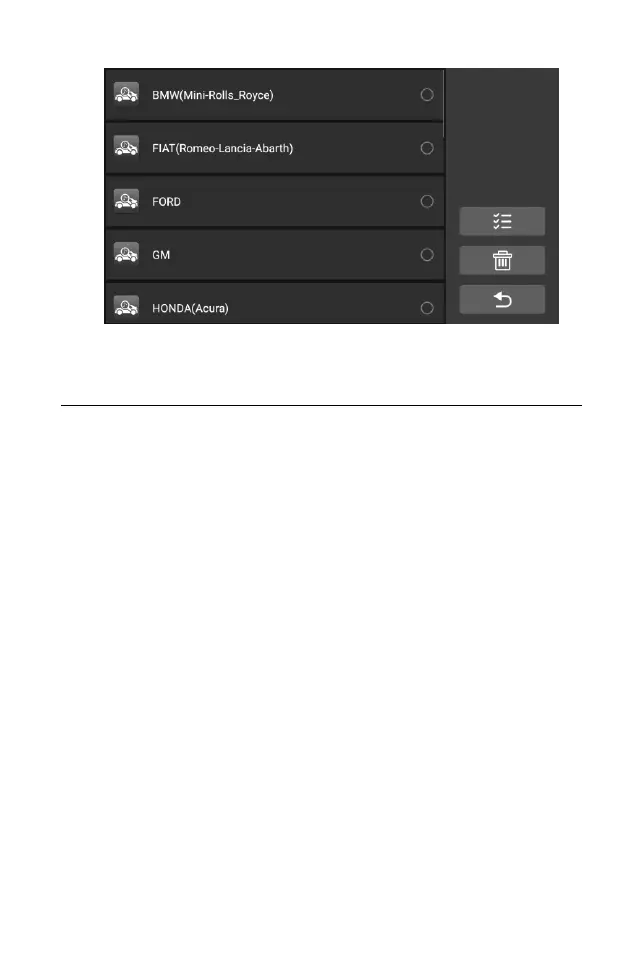
Figure 8-1 Sample Uninstall Screen
9 Support
This application launches the Support platform which synchronizes
iCarsoft’s on-line service base station with the Display Tablet. In order to
synchronize the device to your on-line account, you need to register the product
through the Internet when you use it for the first time. The Support application is
connected to iCarsoft’s service channel and on-line communities which provides
the quickest way for problem solutions, allowing you to submit complaints or
sent help requests to obtain direct services and supports.
9.1 Data Log
The "Data Log" screen displays the data log stored when the diagnostic
device performs the diagnosis. When the log switch in the "Settings" option is
turned on, the data log will be automatically stored. Select the check box behind
the log, you can delete, you can also provide information feedback.










 To Next Page