67
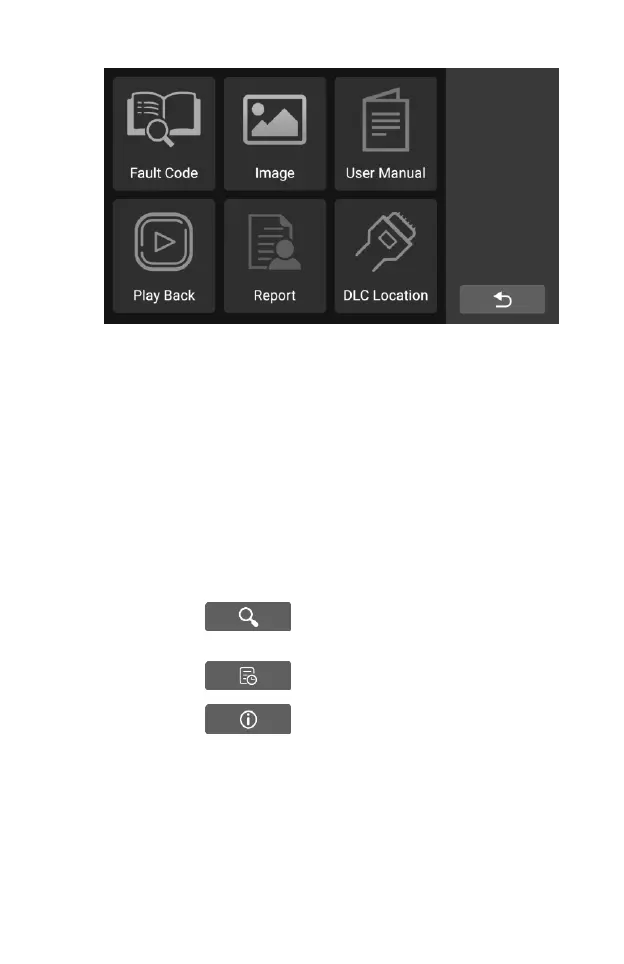
Figure 7-1 Sample User Data Main Screen
User Data Operations are based on toolbar controls. Details are explained
in the following sections.
7.1 Fault code
Fault code allows you to query the fault history and information description
according to the model fault code. Slide up and down to select the required
model and code.
To access fault code
1. Tap the Fault Code application on the User Data menu. The Fault
Code application screen displays.
2. Slide up and down to select the required model and code.
3. Tap the lookup button in the upper right corner, and
the query results will be displayed in the box below.
4. Tap the history button to view the relevant history.
5. Tap the information button to pop up the description
of fault code information










 To Next Page