15
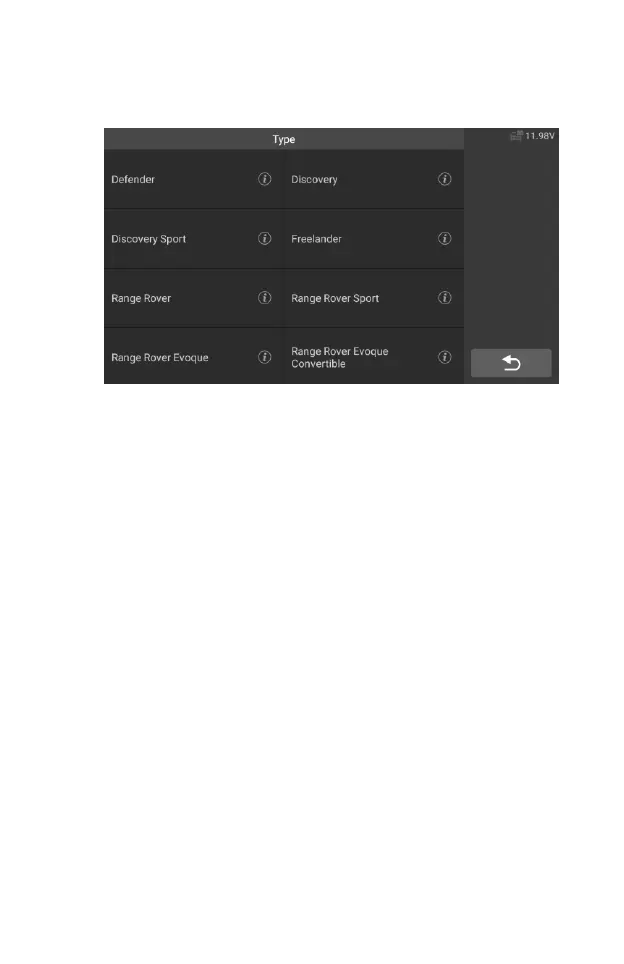
3. Tap the "Vehicle Select" option to make a series of selections
according to the on-screen prompts, select the correct vehicle model,
model year, etc..
Figure 4-9 Sample Vehicle Select Screen 2
4. Select step by step according to the screen prompts, and finally
enter the list of diagnosis modes.
4.3 Navigation
This section describes how to operate the Diagnostics screen and select
test options.
4.3.1 Diagnostics Screen Layout










 To Next Page