84
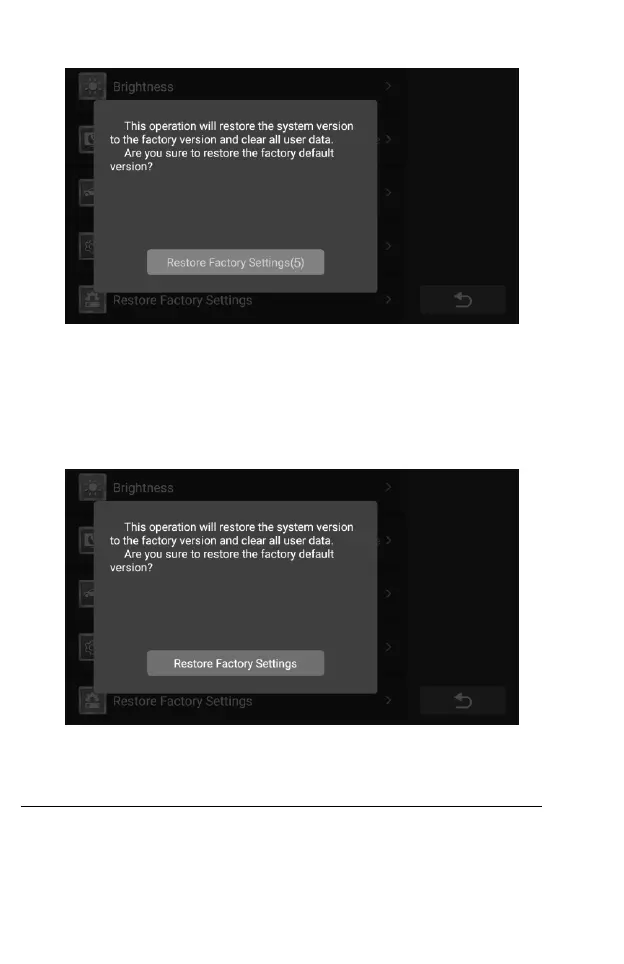
Figure 10-11 Sample Restore Factory Setting Screen
5. If you are sure you want to restore to the factory version, tap the red
button.
6. Tap anywhere outside the pop-up window to exit language settings.
7. Then tap the Back button on the bottom right corner to return to the
CR Genius home screen or select another setting.
Figure 10-12 Sample Restore Factory Setting Screen
11 About
The About screen lists the CR Genius’s version, hardware, and serial
number.
To check the CR Genius product information in About
1. Tap the Settings application on the CR Genius Job Menu.










 To Next Page