76
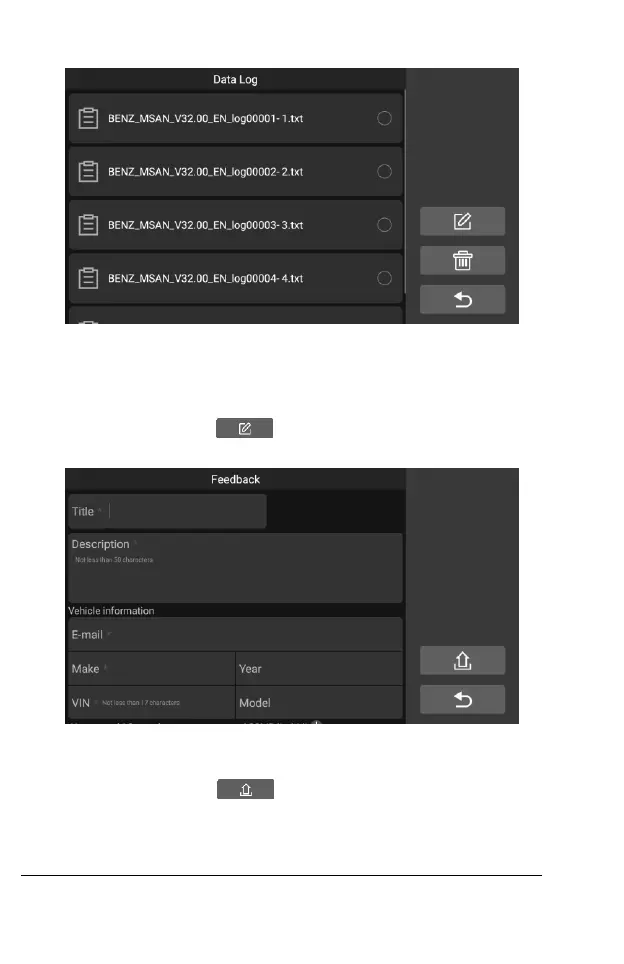
Figure 9-1 Sample Data log Screen 1
1. Select the check box behind the log, you can select multiple logs at the
same time, tap the delete button in the upper right corner to delete.
2. Select the check box behind the log, you can select multiple logs at the
same time, tap the feedback button in the upper right corner.
The interface for information feedback will appear.
Figure 9-2 Sample Data log Screen 2
2 Enter the title, description, vehicle information, etc. in the input box, "*" is
required. Then tap the Upload button to submit feedback. You
can also tap the “
○
+ ” button to add up to 3 photos to submit together.
10 Settings
Selecting Settings application opens a setup screen to adjust the default










 To Next Page