82
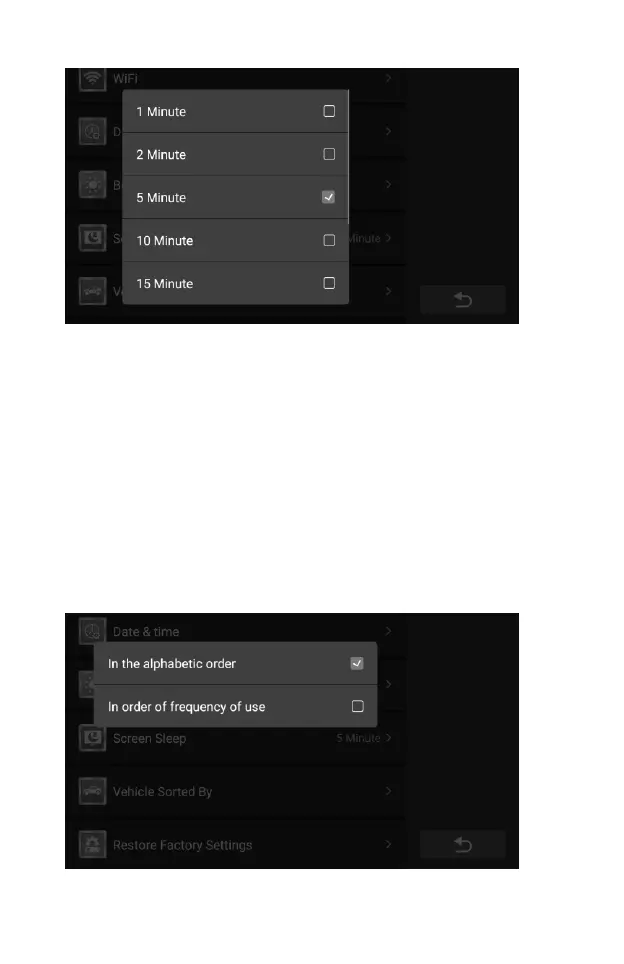
Figure 10-8 Sample screen sleep Setting Screen
10.8 Vehicle Sorted By
This option allows you to modify the vehicle classification settings.
To adjust the Screen Sleep setting
1. Tap the Settings application on the CR Genius Job Menu.
2. Tap the Vehicle Sorted By option on the screen.
3. On the pop-up window, select the vehicle classification type you
want, alphabetically or by frequency of use. A check mark appears
to the right of the selected cell.
4. Tap anywhere outside the pop-up window to exit.
5. Then tap the Back button on the bottom right corner to return to
the CR Genius home screen or select another setting.
Figure 10-9 Sample Vehicle Sorted By Setting Screen










 To Next Page