28
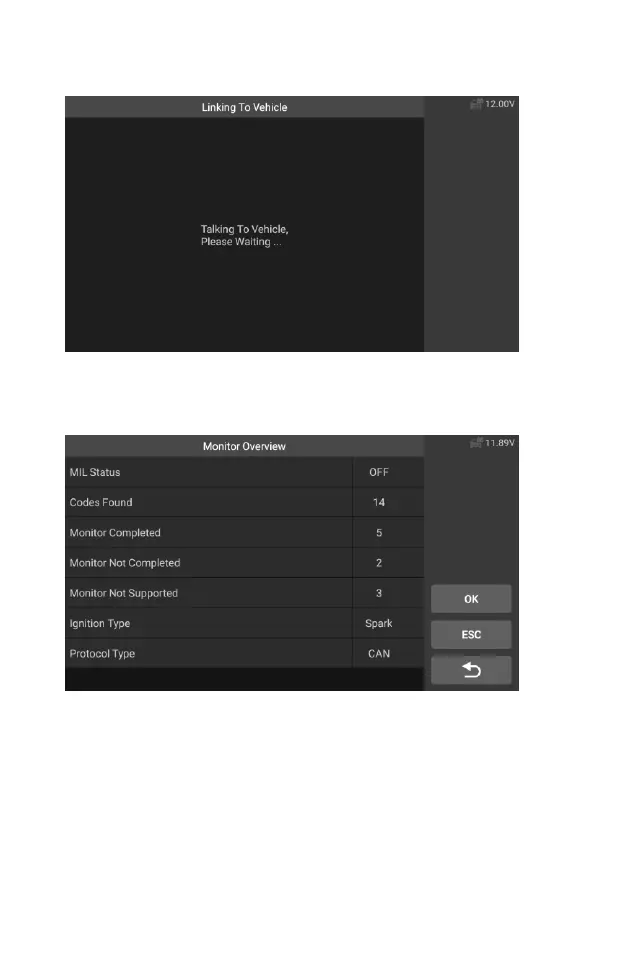
communication with the vehicle, as shown in the figure below:
Figure 4-24 Sample OBDII Screen 1
3. When the communication is complete, vehicle protocol information
will be displayed. Tap OK to proceed to the next step.
Figure 4-25 Sample OBDII Screen 2
4. Select a specific protocol under the Protocol option. Wait for the
OBDII Diagnostic Menu to display.










 To Next Page