34
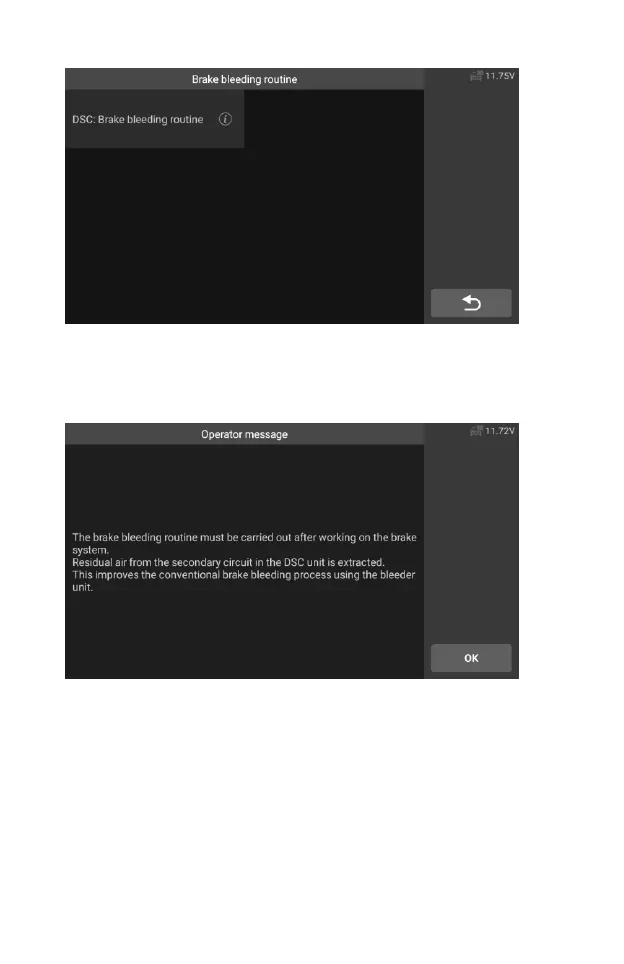
Figure 5-3 Sample ABS Bleeding Function Screen 2
5. Read the information on the screen carefully and prepare
according to the requirements of the screen. After working on the
brake system, the brake bleeding routine must be carried out.
Figure 5-4 Sample ABS Bleeding Function Screen 3
6. Make corresponding preparations, connect the bleeder unit and
turn on the switch. Flush brake system with bleeder at all four
wheels until brake fluid free of foam and bubbles emerges.










 To Next Page