41
Figure 5-15 Sample EPB Function Screen 2
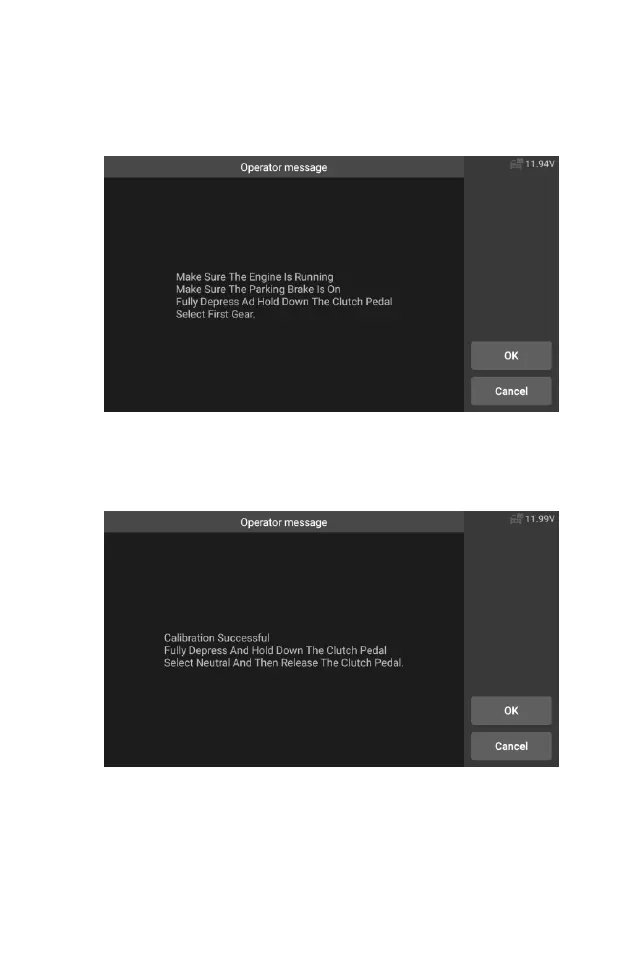
6. As shown in the figure below, make sure that the parking brake is
switched on and the shift lever is in N gear. Operate the clutch as
required when the engine is running.
Figure 5-16 Sample EPB Function Screen 3
7. Press the [OK] to next step until the calibration is successful, fully
depress the clutch pedal, select neutral and release the clutch
pedal.
Figure 5-17 Sample EPB Function Screen 4
8. The screen prompts that the application is complete, and press
[OK] to exit.










 To Next Page