49
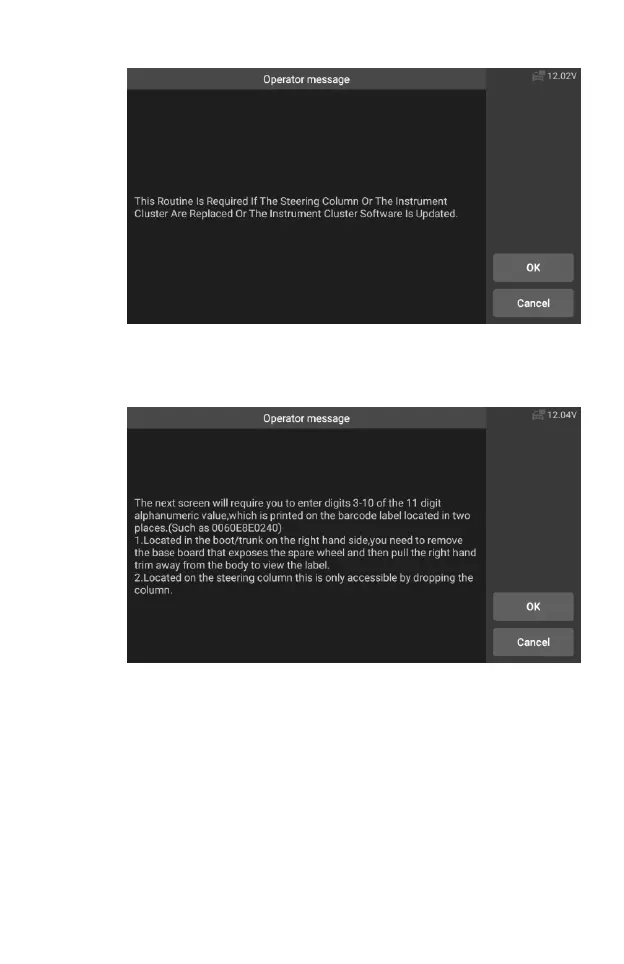
Figure 5-28 Sample SAS Function Screen 2
6. Read the 3 to 10 digits on the steering column label as required
and enter the input on the next screen.
Figure 5-29 Sample SAS Function Screen 3
7. Tap the screen to call up the keyboard, enter 3 to 10 digits on the
steering column label, and then tap OK to next.










 To Next Page