58
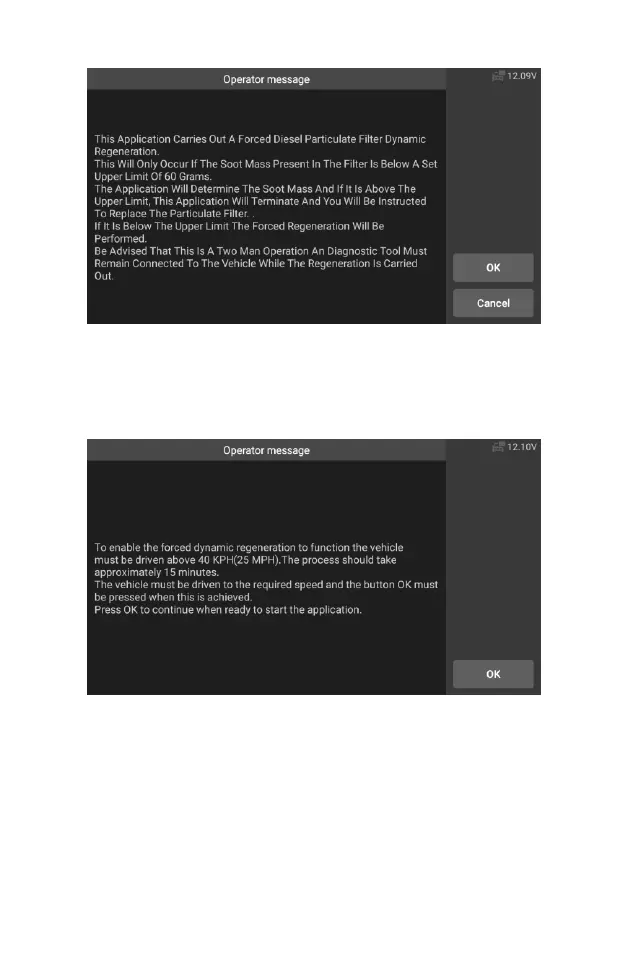
Figure 5-42 Sample DPF Service Function Screen 2
6. Follow the instructions on the screen step by step, and start the
vehicle to drive at a speed higher than 40 km for about 15 minutes.
Drive the vehicle to the required speed and press the "OK" button
when the speed is reached.
Figure 5-43 Sample DPF Service Function Screen 3
7. The program reads the temperature of the engine, and when the
engine temperature reaches 60 ℃, press the OK button.










 To Next Page